18
8/13/02 k45dm-ger.fm A50 Stingray, en, A31008-H5110-A1-1-7619
Phonebook
Enter frequently used phone num-
bers in the Phonebook with a special
name. To dial then, simply highlight
the name. If a phone number is
stored with a name, it appears on
the display when you are called.
You can assign important phone
numbers to a group.
<New entry>
T
Open Phonebook
.
Select.
N
Activate input fields.
J
Enter phone number
(with prefix) and name
(for additional fields/input
aid, see adjacent
column).
§Save§ Press to store the entry.
<New entry>
<Own numbers>
<Group>
Select
Additional fields
Group
Assign the entry to a group, for example:
Office, Family, Leisure, VIP
(see group functions, p. 21).
Location:
Select a storage location other than the SIM
card (standard) such as phone memory or
special SIM card (p. 24).
Record no.: (storage location number)
Every entry is automatically assigned a
number under which it can also be selected.
For information on how to change the
number, see (p. 25).
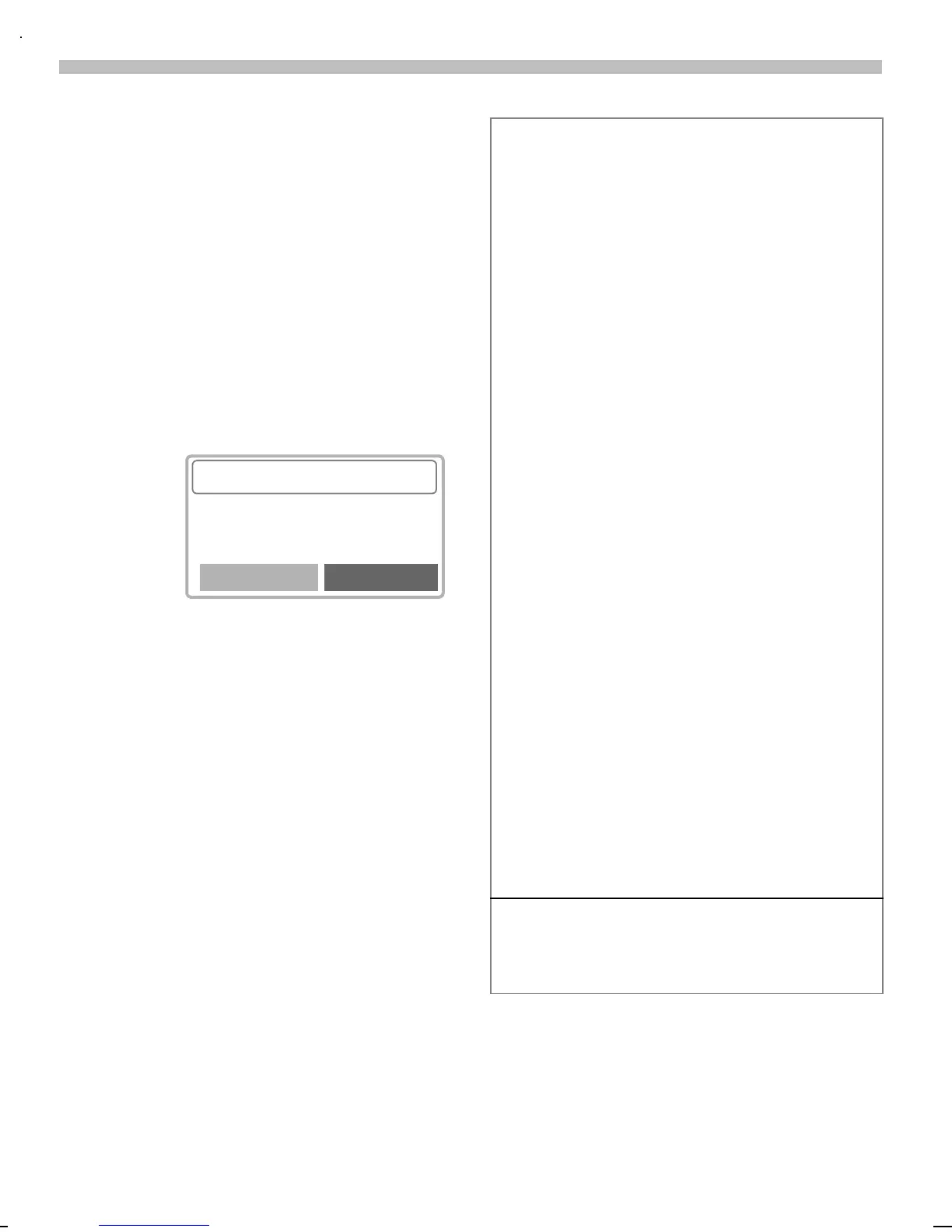
Input aid
If the cursor is in the input field
<Phone number> you can use the left
soft key to display a list with international
dialling codes.
§+List Press. Select the required
country. The international dial-
ling code is displayed.
0
Hold down key until a "+" ap-
pears. This replaces the two
leading digits of the interna-
tional dialling code.
<Own numbers>
You can enter your "own" numbers
(e.g. fax).



 To Next Page