21/30
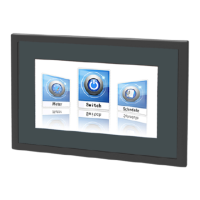
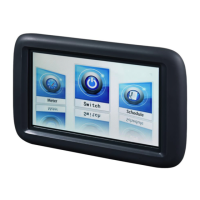
Siemens Climatix touch
panel A6V10445442_en--_a
Building Technologies Operating the Climatix touch panel 2015-06-30
5.4 Upgrade GUI application
Climatix touch panel can upgrade Graphical User Interface (GUI) application
directly on field without configuration PC. User can upload latest GUI application
created with engineering software directly by SD card or USB stick.
Refer to HMI-TOOL online-help for further information about engineering software
functionalities.
1. Create your GUI application with HMI-TOOL.
2. Download GUI application into SD card or USB stick. Do not change default file
name, otherwise the touch panel cannot recognize it.
3. Power on Climatix touch panel.
4. Insert the SD card or USB stick into Climatix touch panel.
5. Confirm GUI download process.
6. After upgrade process is completed, Climatix touch panel restarts automatically.
7. Climatix touch panel runs new GUI application.


 To Next Page
 Loading...