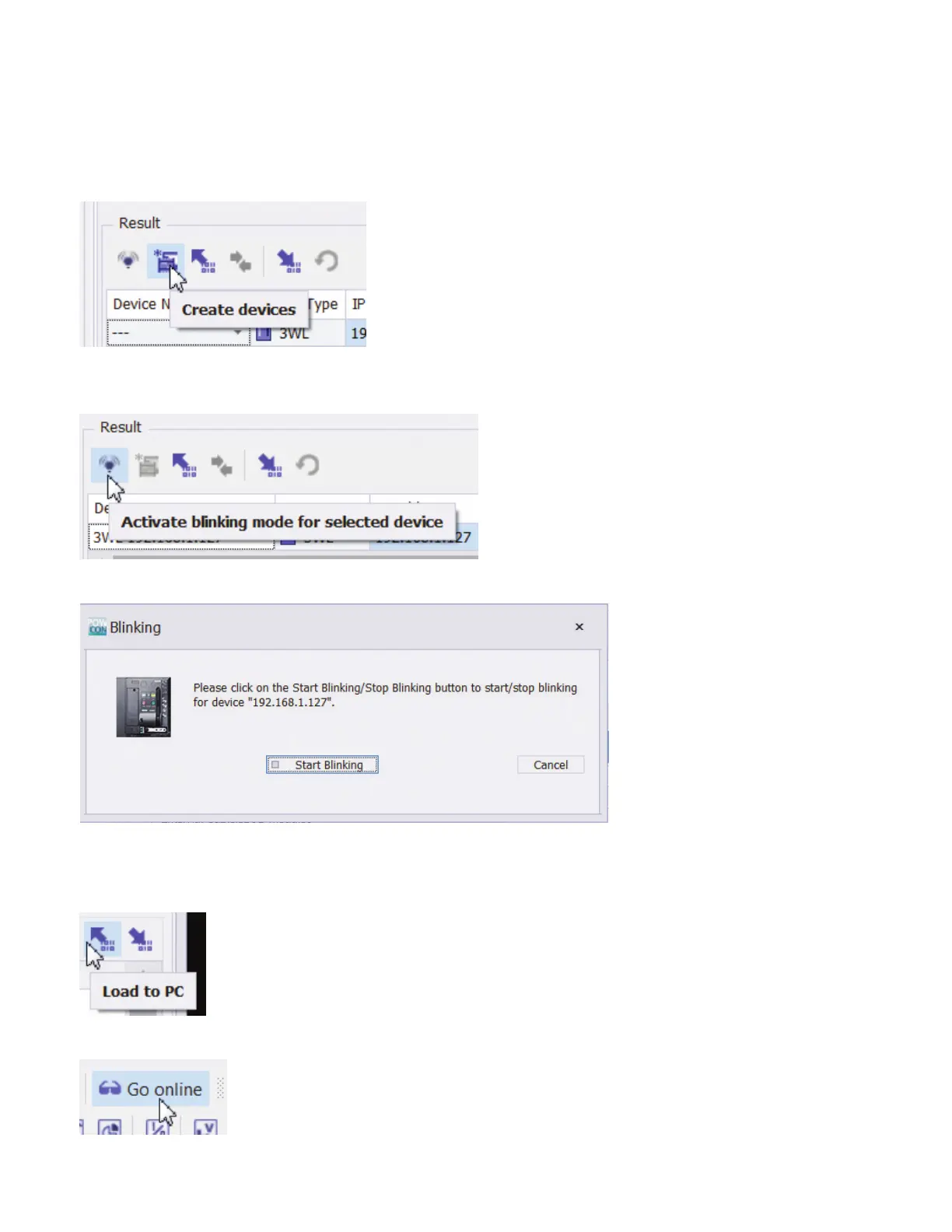
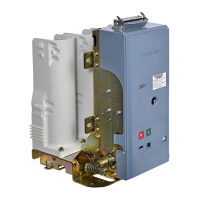
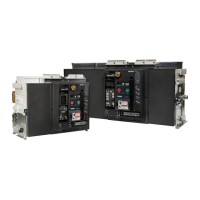
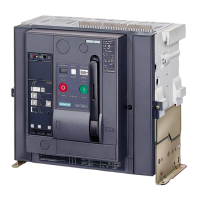
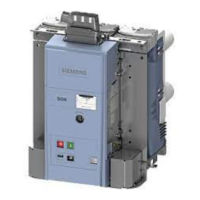
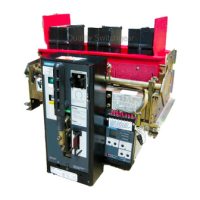
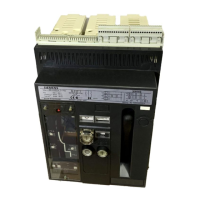
The device name in this case would be WL ....
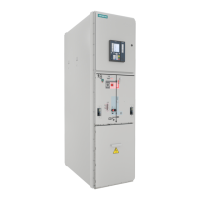
If there are multiple devices on the network and you need help identifying the one to which you are connected, click the blink button:
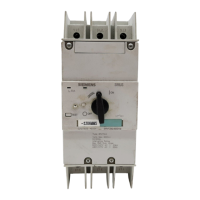
After the Blinking dialog opens, click the Start Blinking button.
The PN and TCP LEDs on the device will alternate flashing on and off. When finished, click on Stop Blinking (which will also be blinking).
Close the Search for Accessible Devices dialog.
If the COM is connected to a WL breaker and trip unit, parameters will be loaded into powerconfig.
Click the Go Online button to access live data from the breaker.
How to configure a new COM with powerconfig
Quick Start Guide | powerconfig



 To Next Page