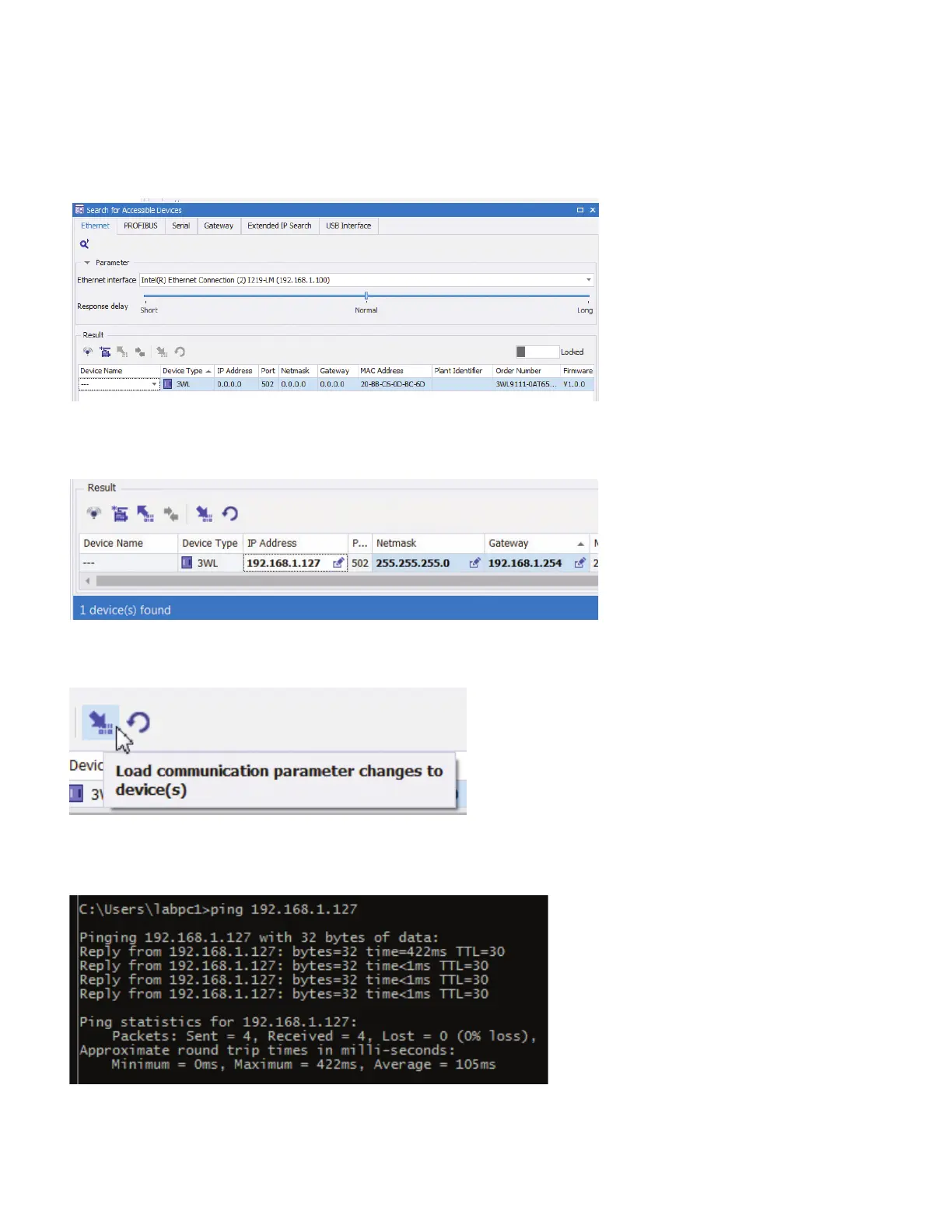
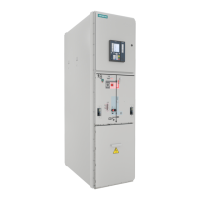
Enter the desired IP address, netmask and gateway required for your network. When entering IP addresses, do not type the ".", it
will be added automatically after typing digits. If only one digit is required, use the right arrow key to move to the next octet.
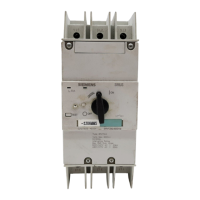
Click the Load to device button:
The IP addresses will be written to the COM.
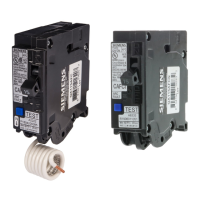
To verify that the device is now accessible on the network, open a command window and use the ping command:
Click on the Create devices button and the newly configured COM will be added to the powerconfig project:
How to configure a new COM with powerconfig
powerconfig | Quick Start Guide



 To Next Page