Prerequisite: The COM module is connected to a network, has an IP address and can be communicated with.
Once a COM has been given an IP address and can be communicated with, the first step is to load the COM parameters to the
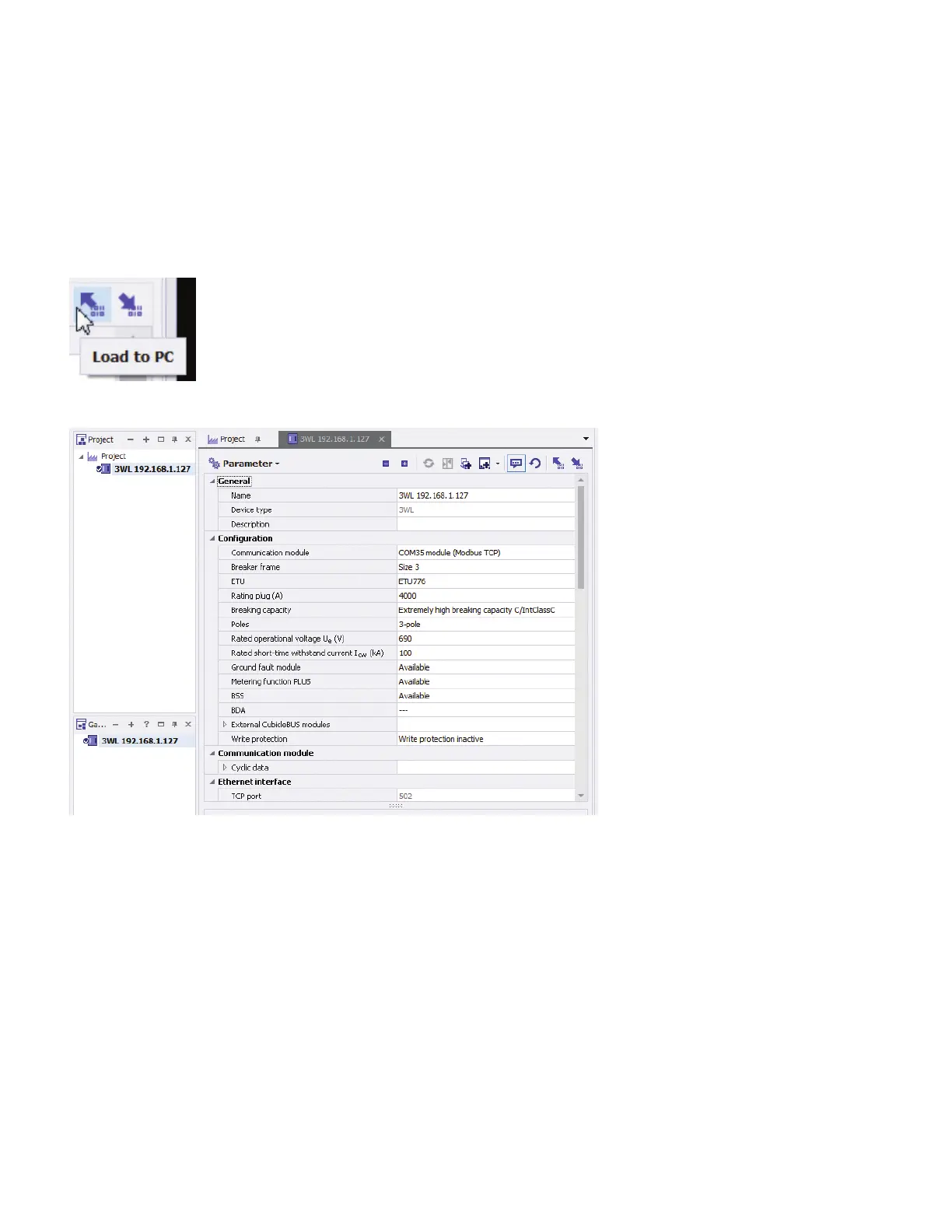
PC. Click on the Load to PC button and the breaker and communication parameters will be loaded into powerconfig.
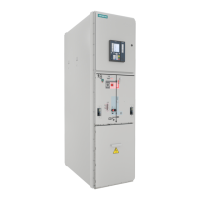
The screen will have the connected breaker information on it:
Scroll down until Configurable I/O module is visible. The currently configured state of the Com digital input and Com digital output
will be shown.
How to configure a new COM with powerconfig
Appendix : Configuring the COM for a Dynamic Arc Flash Mitigation application
powerconfig | Quick Start Guide



 To Next Page