4 inches
11
Distance
d
Function description
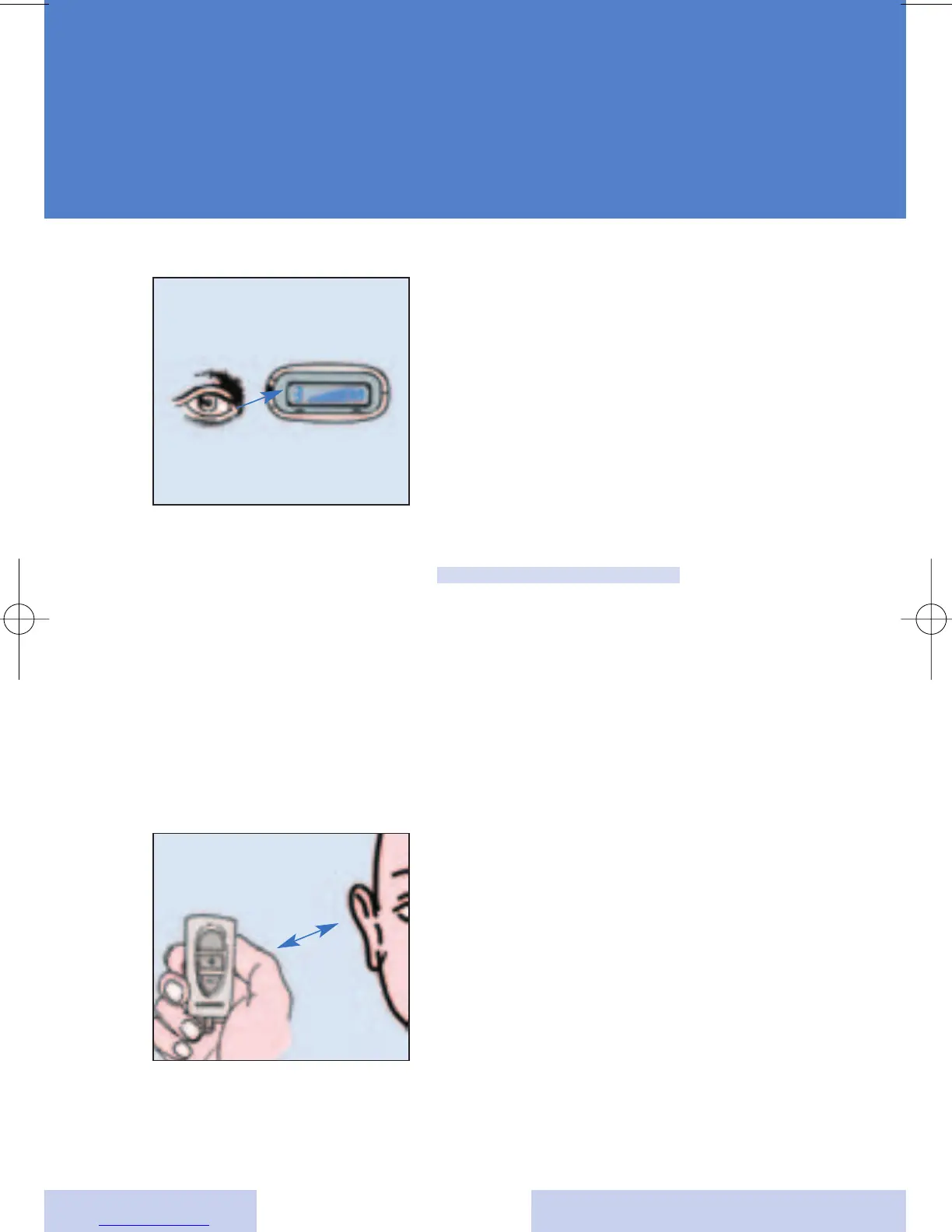
The display shows your current
setting for:
• Program / memory number
• Volume setting
• Battery status of the left hearing
instrument
•
Battery status of the right
hearing
instrument
Note:
When your system is in telecoil
mode be sure that the ePocket
control is more than 10 cm from
your hearing system or you may
experience a pulsing noise when
operating the ePocket.
If the blinking "no-connection”
symbol appears in the display,
shorten the distance between
your ePocket and your hearing
system and try again.





 To Next Page