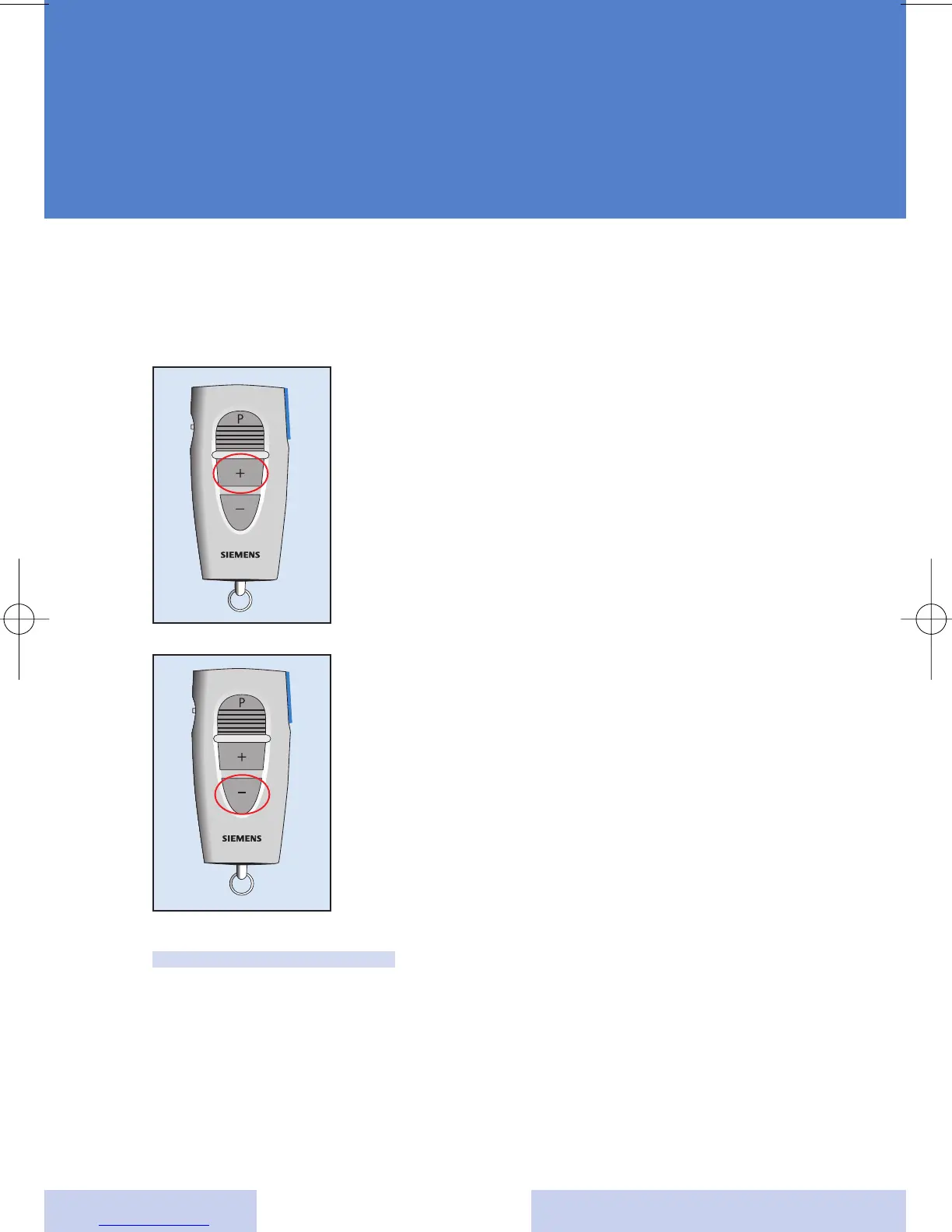
With the "Volume up" (+) button and "Volume down" (-) but-
ton you can change the volume of your hearing system.
9
Using the volume control
Use the "Volume up" (+) button
to increase the volume and make
sounds louder.
Use the "Volume down" (-)
button to decrease the volume
and make sounds softer.
Note:
If you are wearing two hearing instruments, the volume will
be changed on both instruments at the same time.
Your hearing instrument specialist may program your
hearing system so that you hear a beep to indicate when
the volume has been changed, and a series of beeps
when the volume limit has been reached.








 To Next Page