4
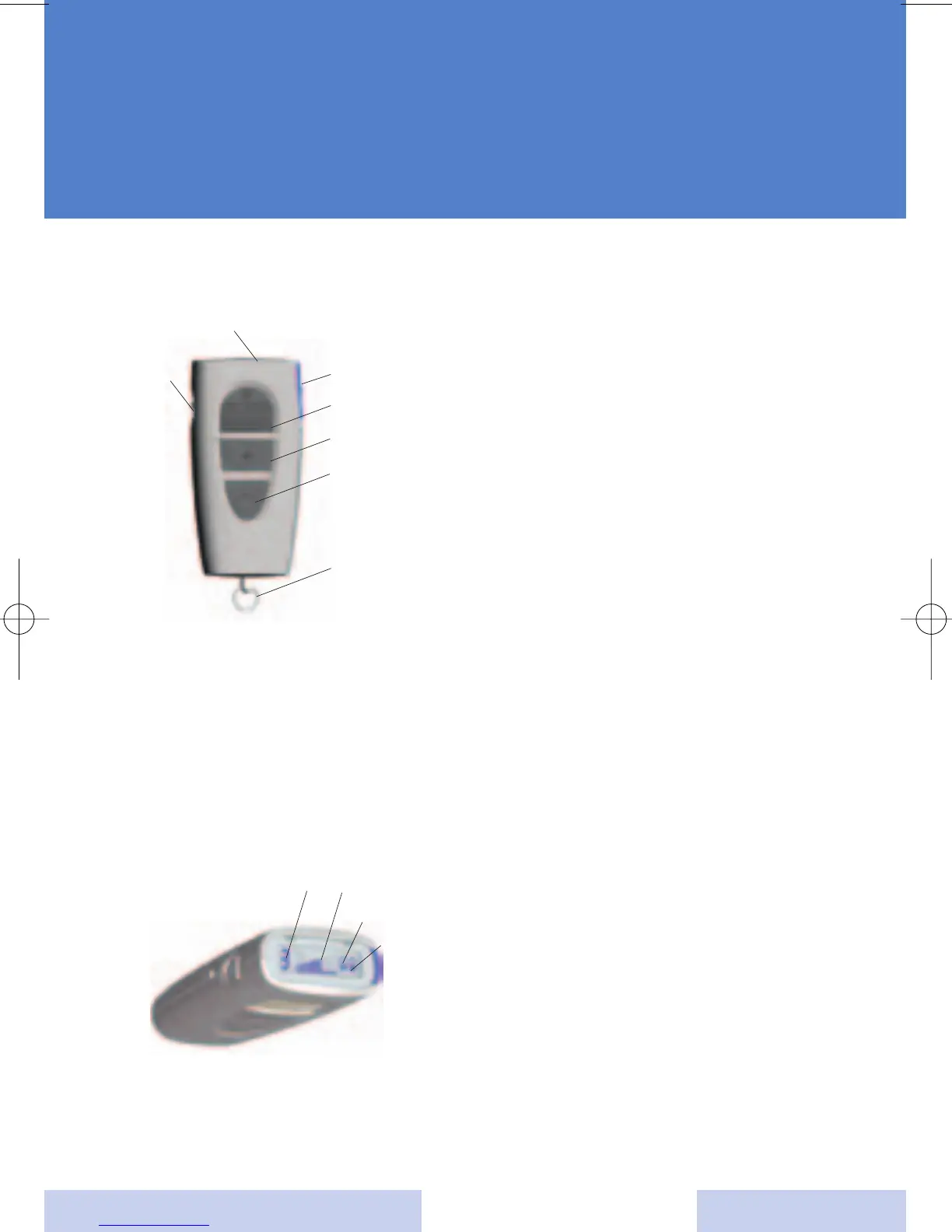
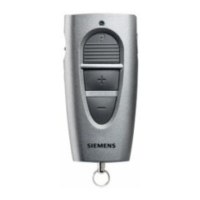
Description of the ePocket
The
ePocket
uses two AAAA
batteries.
1. Key lock
2. Data read out button
3. Program change button
4. Volume up
5. Volume down
6. Accessory ring
7. Display
Display information
Using the data read out button
allows you to read the following
information in the display:
1. Program / memory number
2. Volume status
3. Battery status left hearing
system
4. Battery status right hearing
system
a
j
s
d
f
g
h
a
d
f
s
SIEMENS





 To Next Page