2/49 A6V10336897_d_en_
1 INTRODUCTION
FXS901 software is mainly used for the engineering commissioning and maintenance of the FC901/FC2005
fire alarm system. Two versions of the software are available for the different channels, FXS901-U2 for the
Desigo version and FXS901-U3 for the Cerberus Pro version.
2 INSTALLATION
2.1 SOFT/HARDWARE REQUIREMENTS
- Operation system: Microsoft Windows XP-SP3 (or higher version), Windows 7, Windows 10
- USB port
- CPU: PIII 1.0GHZ
- Memory: 512M
- Hard disk: 10G
- Display resolution: 1024*768
2.2 INSTALLATION PROCESS
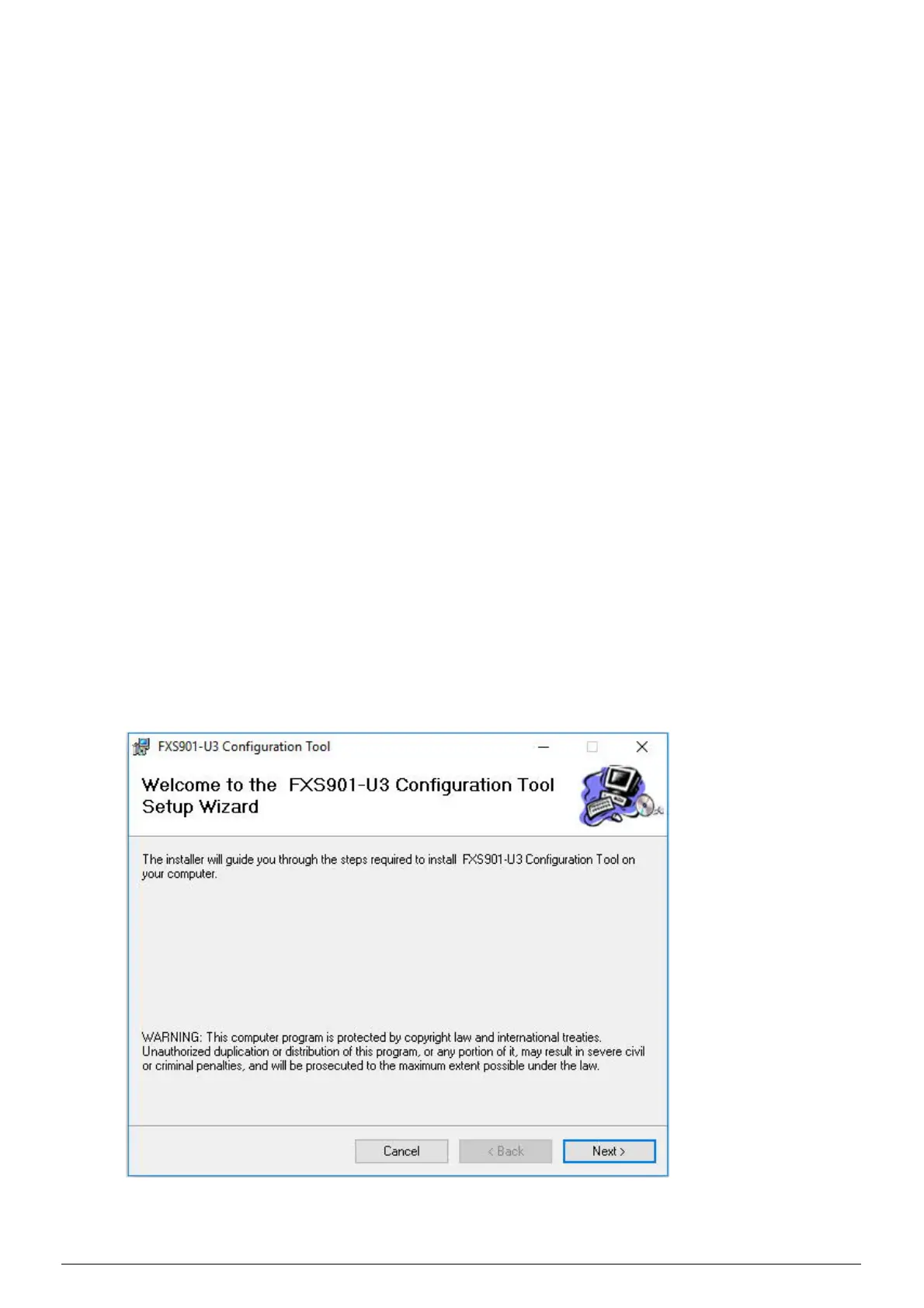
The FXS901 tool installation packages are “FXS901-U2 Setup.msi” for Desigo version and “FXS901-U3
Setup.msi” for Cerberus version. Follow the below steps to install the software:
1. Double click “FXS901-U2 Setup.msi” or “FXS901-U3 Setup.msi”, and then the installation wizard
pops up.
2. Click “Next”, and select the installation folder. Default folder is: C:\Program Files
(x86)\FXS901-U3\FXS901-U3 Configuration Tool\












 To Next Page