6/49 A6V10336897_d_en_
2.3 USB DRIVER
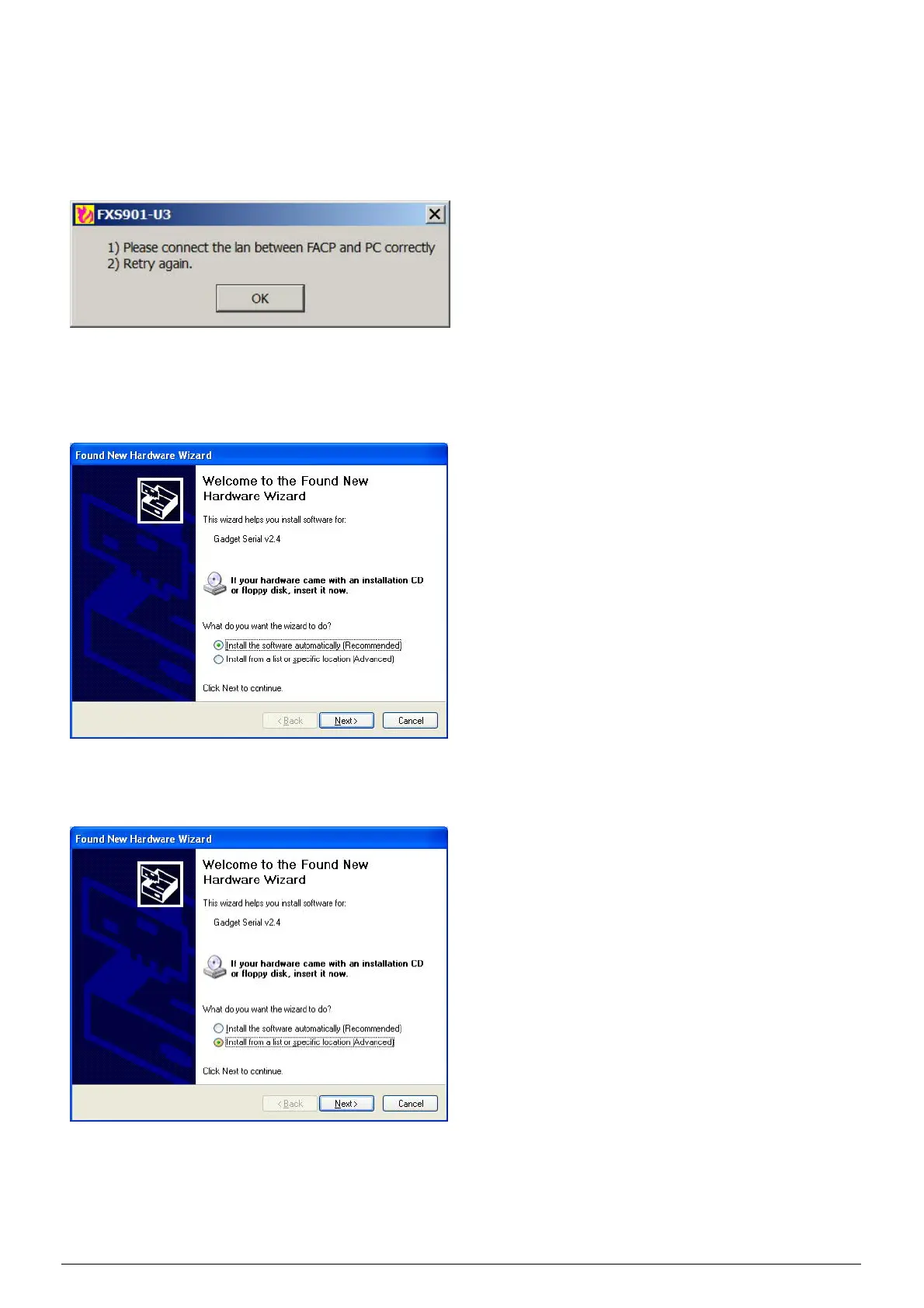
The USB driver is installed automatically while installing the tool. If the automatic installation fails, the below
error message pops up when using the tool:
In this case, uses can install the usb driver manually:
Step 1: Insert the USB cable, then the following window “Found New Hardware Wizard” pops up
automatically.
Step 2: Select "Install from a list or specific location (advanced)" and click on "Next".












 To Next Page