EasyManua.ls Logo

Siemens FDM221 - User Manual

Siemens FDM221
32 pages
Print Icon
To Next Page IconTo Next Page
Loading...
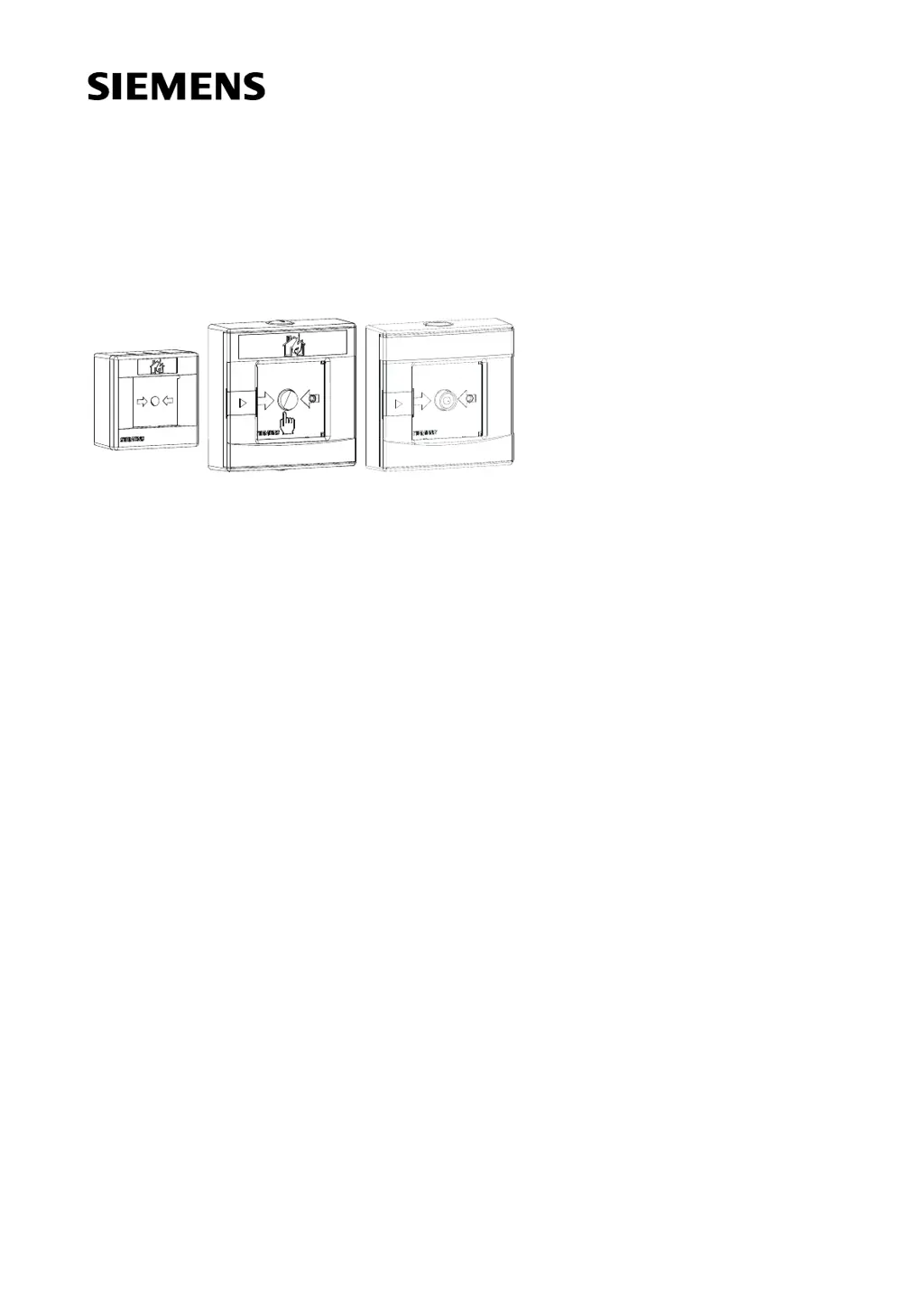
FDM221, FDM223, FDM224,
FDM223H, FDM224H
Manual call points
Technical manual
Building Technologies
Fire Safety & Security Products

Questions and Answers

  • C
    chughesAug 3, 2025
    How to reset Siemens Security System FDM223 after alarm activation?
    • A
      Alexis DavisAug 3, 2025
      To reset the Siemens Security System FDM223 manual call point after alarm activation and restore its operational availability: 1. Open the housing. 2. Remove the glass pane. 3. Insert a new glass pane. 4. Push the black locking lever in the upper right corner to the right until you hear a click. The alarm button should now protrude approximately 5 mm. 5. Close the housing. 6. Carry out a performance check.
  • D
    dustin16Aug 8, 2025
    How to replace glass pane on Siemens Security System FDM223/FDM224?
    • X
      xyorkAug 8, 2025
      To replace the glass pane for Siemens Security System models FDM223 and FDM224: 1. Pull the cover of the keyhole to the right. 2. Open the housing with the key enclosed in the delivery. Keep the key in a safe place. 3. Push the retainer to the right. 4. Place the glass pane on the guiding and below the retainer. 5. Release the retainer. 6. Set the detector in operational availability by resetting it. 7. Close the door.
  • H
    Heather MorseAug 15, 2025
    How to replace glass on Siemens Security System FDM221?
    • C
      Curtis BurkeAug 15, 2025
      To replace the glass pane for Siemens Security System FDM221: 1. Press the two key knobs in the recesses. 2. Pull the lid forwards. 3. Insert the glass pane so that the number is pointing to the bottom and can be read from the front. 4. Insert the glass on the guiding and push it towards the alarm actuator. 5. Push the retainer to the right until the glass is below the retainer. 6. Close the housing with the lid.
  • T
    Teresa WelchAug 20, 2025
    How to reset Siemens Security System FDM221 after alarm activation?
    • N
      Nathaniel PattersonAug 20, 2025
      To reset the Siemens Security System FDM221 manual call point after alarm activation and restore its operational availability: 1. Open the housing. 2. Remove the glass pane. 3. Insert a new glass pane. 4. Close the housing. 5. Carry out a performance check.
  • K
    Karen MooreAug 27, 2025
    How to reset Siemens FDM221 Security System FDM224 after alarm activation?
    • A
      Austin RodgersAug 27, 2025
      To reset the Siemens Security System FDM224 manual call point after alarm activation and restore its operational availability: 1. Open the housing. 2. Remove the glass pane. 3. Insert a new glass pane. 4. Close the housing. 5. Carry out a performance check.

Summary

Safety Notes

Signal Words and Symbols

Explains signal words, their classification, and the meaning of symbols used in the document.

Safety-Relevant Working Instructions

Provides essential safety instructions for handling the products and performing work.

Setup and Function

Diagnosis Levels

Details the different diagnosis levels indicating the detector's status and potential issues.

Installation

Fixation and Mounting

Instructions on how to fix the call point housing to the surface and route cables.

Electric Connection

Detailed steps and diagrams for connecting the manual call points electrically.

Commissioning

Performance Check

Steps to ensure the manual call point is functioning correctly after installation.

Maintenance and Troubleshooting

Resetting Procedure

Instructions on how to reset the manual call point after an alarm.

Specifications

Technical Data

Detailed technical specifications including operating voltage, current, and line parameters.

Siemens FDM221 Specifications

General IconGeneral
BrandSiemens
ModelFDM221
CategorySecurity System
LanguageEnglish

Related product manuals