7BMaintenance / Troubleshooting
8 Maintenance / Troubleshooting
8.1 Status retrieval
The manual call points are provided with an MC-Link. With this link, proximity
exchange of data is possible over short distances between the manual call point
and the detector exchanger and tester.
The following actions can be performed from the control panel:
z Commissioning
z Read error list / status register
8.2 General maintenance work
The following maintenance work must be performed on an annual basis:
Check all detectors for mechanical damage.
Replace defective detectors.Carry out a performance check.
8.3 Resetting
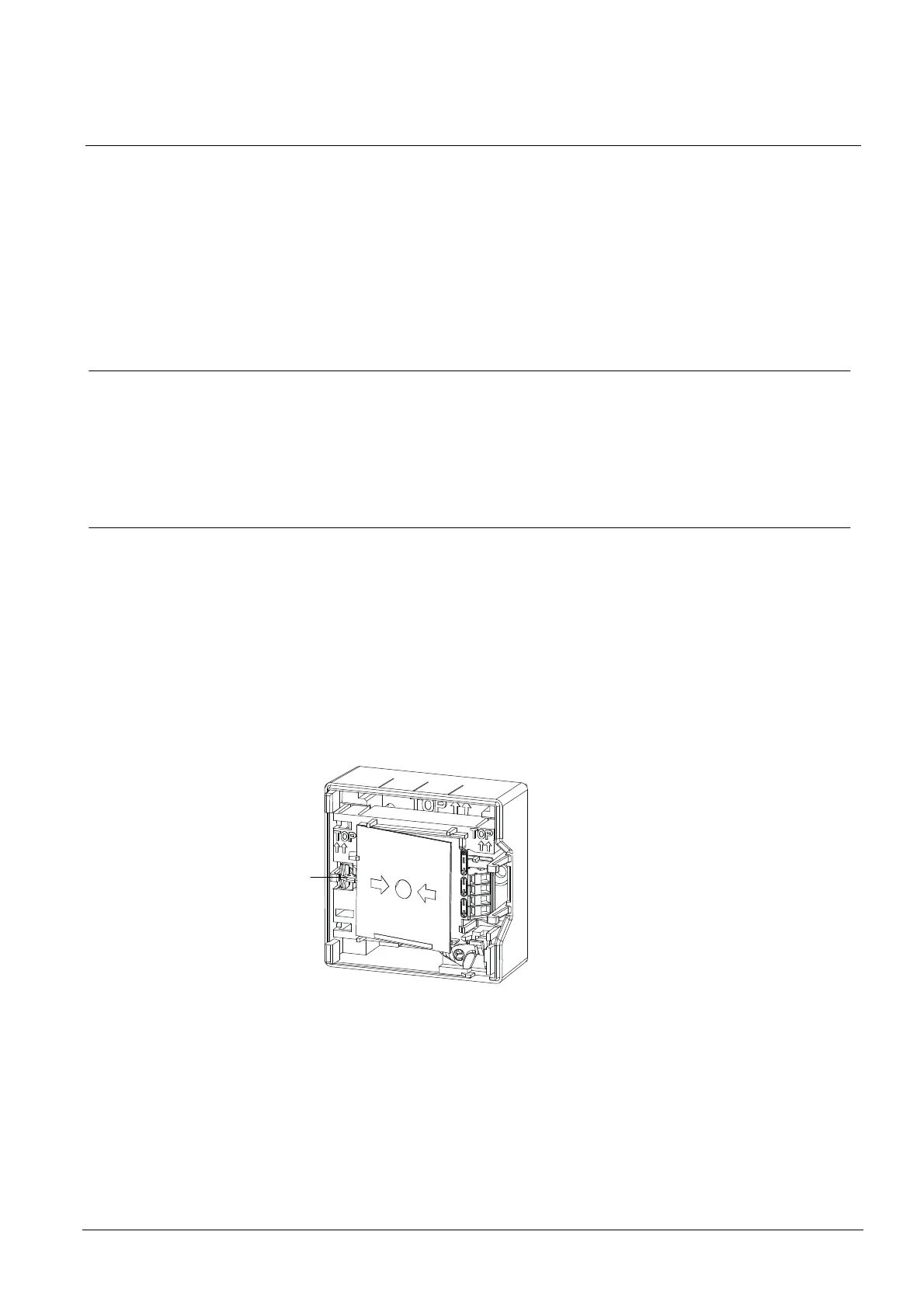
After alarm activation the manual call point must be set in operational availability
again. This procedure is different for each of the two detector types.
FDM221
To set the detector back to operational availability, proceed as follows:
1. Open the housing.
2. Remove the glass pane.
3. Insert a new glass pane.
4. Close the housing.
5. Carry out a performance check.
1
23
007002_e_en_--.doc
Fire Safety & Security Products 11.2007













 To Next Page