7BMaintenance / Troubleshooting
FDM223
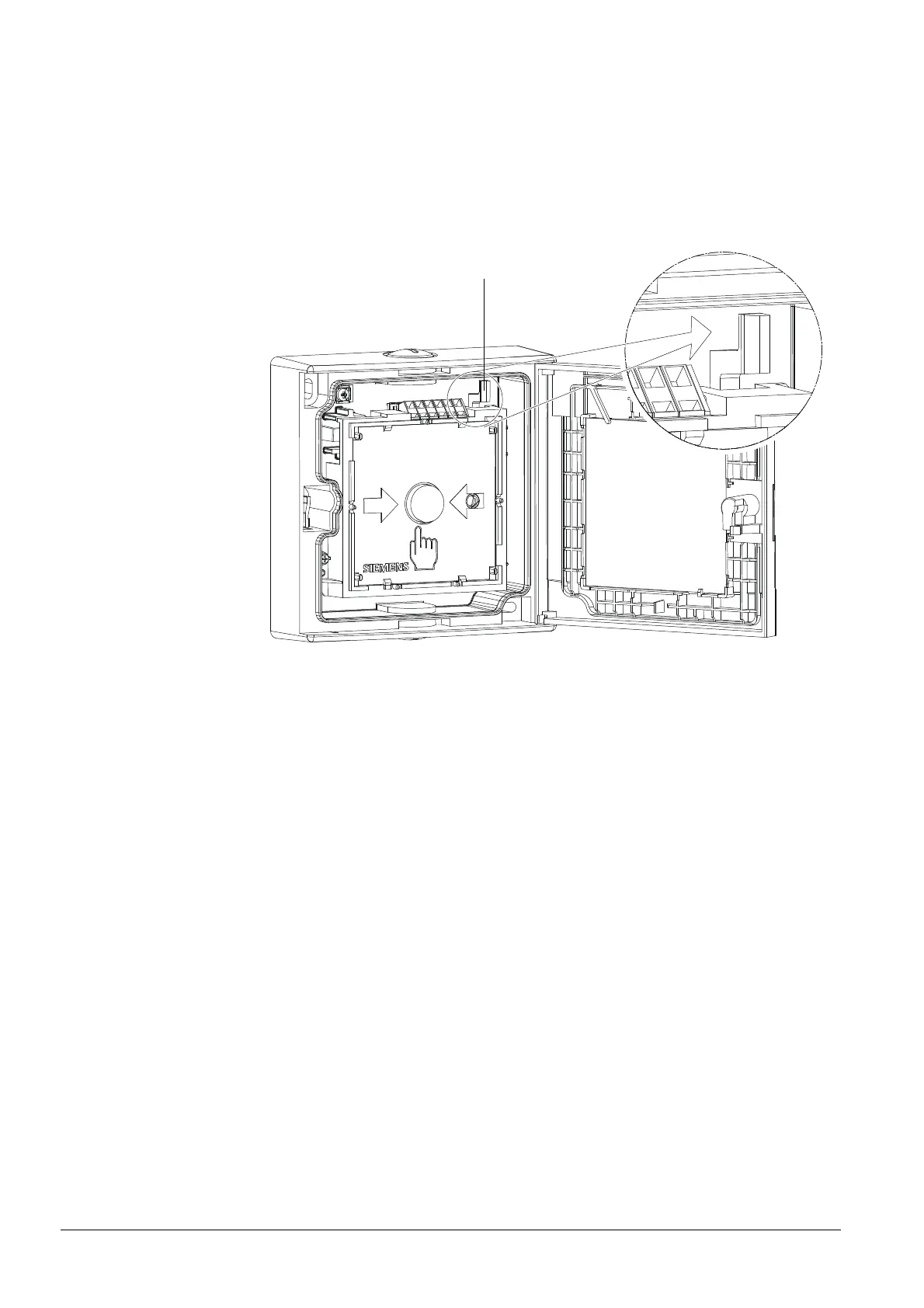
To set the detector back to operational availability, proceed as follows:
1. Open the housing.
2. Remove the glass pane.
3. Insert a new glass pane.
4. Push the black locking lever (2) in the upper right corner to the right until you
hear it clicking. The alarm button is now protruding by approx. 5 mm.
5. Close the housing.
6. Carry out a performance check.
2
FDM224
To set the detector back to operational availability, proceed as follows:
1. Open the housing.
2. Remove the glass pane.
3. Insert a new glass pane.
4. Close the housing.
5. Carry out a performance check.
24
007002_e_en_--.doc
Fire Safety & Security Products 11.2007













 To Next Page