EasyManua.ls Logo

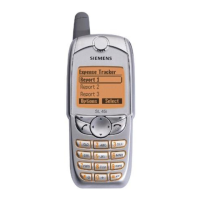
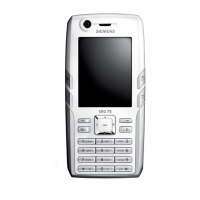
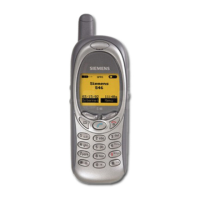
Siemens S46 - User Manual

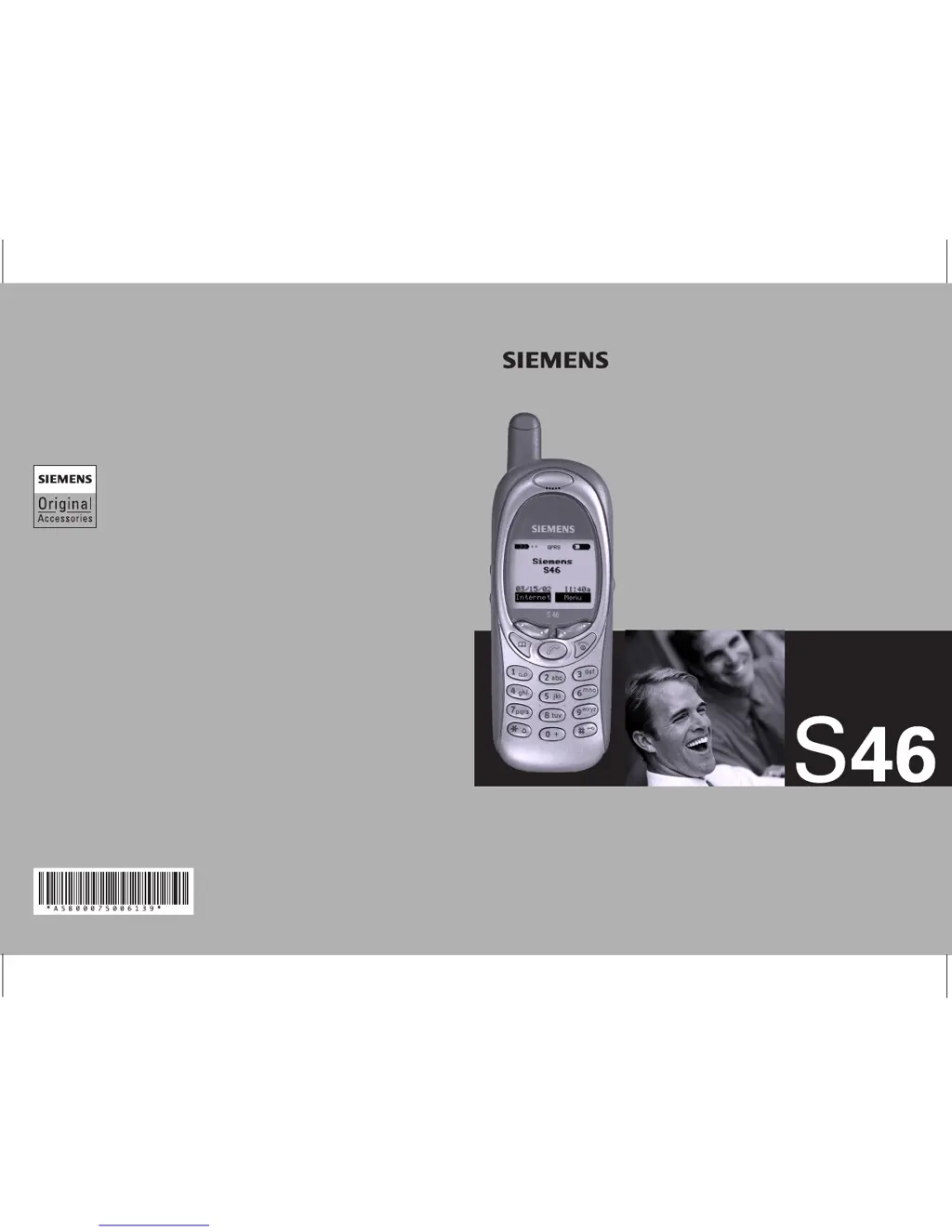
Siemens S46
111 pages
Print Icon
To Next Page IconTo Next Page
Loading...
User Guide
global mobility
world class performance.
Ref.No.: A31008-H5450-A5-2-4A19
© Siemens AG 2002
All rights reserved. Subject to availability.
Rights of modification reserved.
http://www.icm.siemens.com
Issued by
Siemens Information and Communication Mobile LLC
16745 West Bernardo Drive, Suite 400
San Diego, CA 92127, USA
We recommend using only original Siemens accessories
to avoid possible damages.
All functions of the phone are described in the enclosed
detailed user guide. In particular please observe the safety
precautions which you will find at the beginning of the guide.
Global coverage in the
United States, Asia, Europe,
and Latin America.
High wireless data rates
due to GPRS technology.
Be inspired

Table of Contents

Other manuals for Siemens S46

Questions and Answers

  • A
    allisonarmstrongJul 26, 2025
    Why does my Siemens S46 have no connection to the network?
    • L
      lawrencethomasJul 26, 2025
      If your Siemens Cell Phone isn't connecting to the network, it might be due to a weak signal. Try moving to a higher location, near a window, or an open space. It could also be that you are outside the service range, so check your provider's coverage map. Ensure that your phone is not in fixed mode; switch it to automatic. Also, your SIM card may not be valid, so reclaim it with your service provider. If it is a new network, try manual selection or choose a different network. Check your barrings if network barring is set. Finally, the network might be overloaded; try again later.
  • X
    xmorrisJul 31, 2025
    What to do if calls are not possible on Siemens S46?
    • M
      Matthew BrownJul 31, 2025
      If calls are not possible on your Siemens Cell Phone, the issue could stem from a dialing error, possibly due to a new network not being authorized. If you've inserted a new SIM card, check for any new restrictions. If you have reached your charge limit, reset it using PIN 2. Another reason could be that you've used up all your credit, so load more credit. Certain uses of the phone might be barred, so check your barrings. Lastly, ensure the phone number you're dialing doesn't exceed 20 digits.
  • C
    Crystal MillerAug 5, 2025
    Why Siemens Cell Phone message cannot be sent?
    • A
      Alan FosterAug 6, 2025
      If your Siemens Cell Phone cannot send messages, it might be because some service providers do not support this service, so check with yours. Another reason could be that the service center number is either not set or is incorrect; set the service center number. It could also be that your SIM card contract doesn't support this service, so contact your service provider. The service center might be overloaded, in which case you should repeat the message. Finally, the recipient might not have a compatible phone; verify this.
  • A
    Andrea KimAug 10, 2025
    Why does my Siemens Cell Phone keep losing network connection?
    • L
      Lisa NewmanAug 10, 2025
      If your Siemens Cell Phone loses network, it's likely due to a signal that's too weak. Reconnection to another service provider should happen automatically. You can also try switching the phone off and on again to speed up the process.
  • J
    Joseph ParkAug 15, 2025
    How to fix SMS flashing on Siemens Cell Phone?
    • B
      brandonreyesAug 15, 2025
      If the SMS (text message) is flashing on your Siemens Cell Phone, it means the SMS memory is full. Delete messages to free up space.
  • J
    Jerry SchroederAug 20, 2025
    What to do if entries cannot be made to Adressbuch/Telefonbuch on Siemens S46?
    • V
      Veronica HarringtonAug 20, 2025
      If you can't make entries to Adressbuch/Telefonbuch on your Siemens Cell Phone, it's likely because the Adressbuch/Telefonbuch is full. Delete some entries to make room.

Summary

Safety Precautions

Safety Information

General safety guidelines, driving, air bags, and specific environments.

Emergency Calls

How to make emergency calls using the phone's features.

SAR (Specific Absorption Rate)

Details RF exposure limits and measurement values for compliance.

Getting Started

Before using your phone

Steps for initial setup: SIM, battery, charging, power on, PIN.

Making a Call

Dialing

Steps for dialing numbers, saving, and ending calls.

Text Messaging

Compose SMS

Steps to compose and send a new SMS message.

Setup

Connectivity

Settings for GPRS, WAP, and data transmission methods.

Troubleshooting

Siemens S46 Specifications

General IconGeneral
Weight99 g
Display TypeMonochrome graphic
Display Resolution101 x 80 pixels
Talk timeUp to 4 h
MessagingSMS
Announced2001
StatusDiscontinued
SIMMini-SIM
LoudspeakerNo
3.5mm jackNo
GamesYes
Internal MemoryNo
NetworkGSM 900
Battery TypeRemovable NiMH 600 mAh battery
Alert typesVibration; Monophonic ringtones
LanguagesYes

Related product manuals