Standard mode Firewall
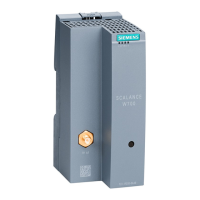
• Select the security module in the content area
• Select the “Edit” > “Properties…” menu command
• Select the “Firewall” tab in the displayed dialog
• Activate the settings shown in
the picture
Result: IP traffic is only initiated
from the internal network
• Logging is selected to record
data traffic
• Close with OK
• Save the project
4. Configuring the firewall



 To Next Page
 Loading...