Advanced User Management
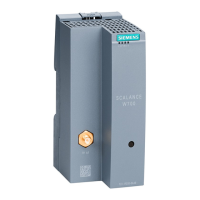
3. Creating a project and security module
• Select the security module created and select the “Edit” >
“Properties” menu command, “Interfaces” tab
• Select the “Activate Interface” check
box in the “DMZ port (X3)” area
• Enter the IP address (192.168.8.1)
and the subnet mask (255.255.255.0)
for the DMZ interface
• Confirm with “OK”



 To Next Page
 Loading...