PC/TS AdapterQuick Reference Guide
PC/TS Adapter
A5E00078070-02
13
6.4 Connection Procedures
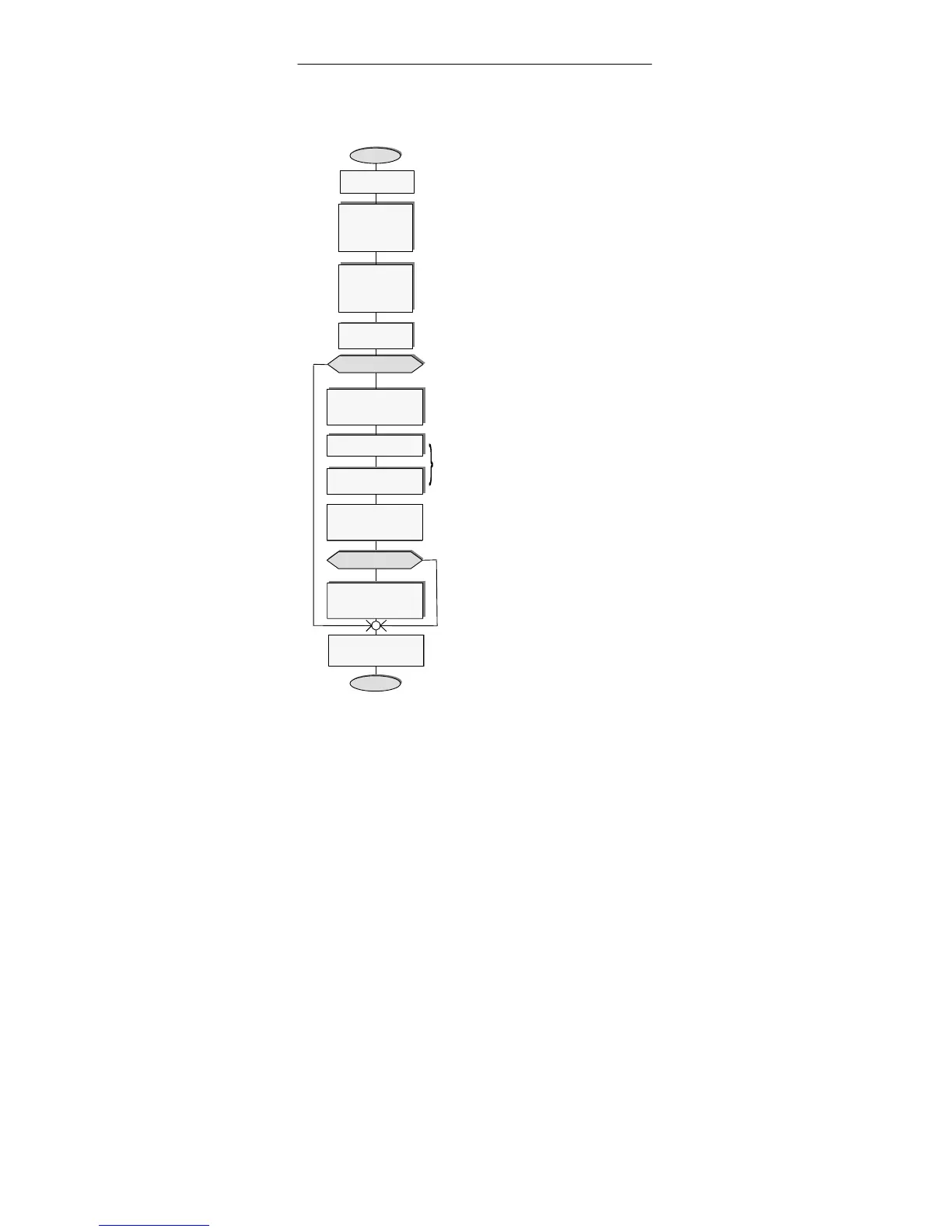
Switch PC/
modem off
Establish cable
connection on
RS232 side of
the adapter
(see 6.2 “General”, RS232 side)
Connect MPI/DP
connector of
adapter to
S7/M7/C7 system
(See 6.2 “General”, MPI/DP side)
=> Microprocessor in adapter starts
to work and switches the Power
LED to constant light after blinking
three times (see also 6.6 “Function
of the Power LED”)
Switch PC/
modem on
1st startup?
Start
N
Y
Start “Set PG/PC
interface”
Adapter installieren
Can be done on installing the
STEP 7 Standard Package. If so,
check settings now.
Parameter-
ize interface
N
Start PG/PC ->
MPI/DP network
communication
End
Close “Set PG/PC
interface”
Install adapter
TS adapter?
Check
“parameterization”
with TS application
Y
Parameterization resident in the TS adapter.
Reparameterization is possible in direct
connection and in modem connection.
LED “Active” indicates that the adapter is
active in the MPI/DP network.













 To Next Page