B520
B520 Page 8 840D/828D SINUMERIK Operate
Notes
Operating mode "JOG"
Section 2
2.3 Horizontal softkey bar 1 and 2
Display area Description
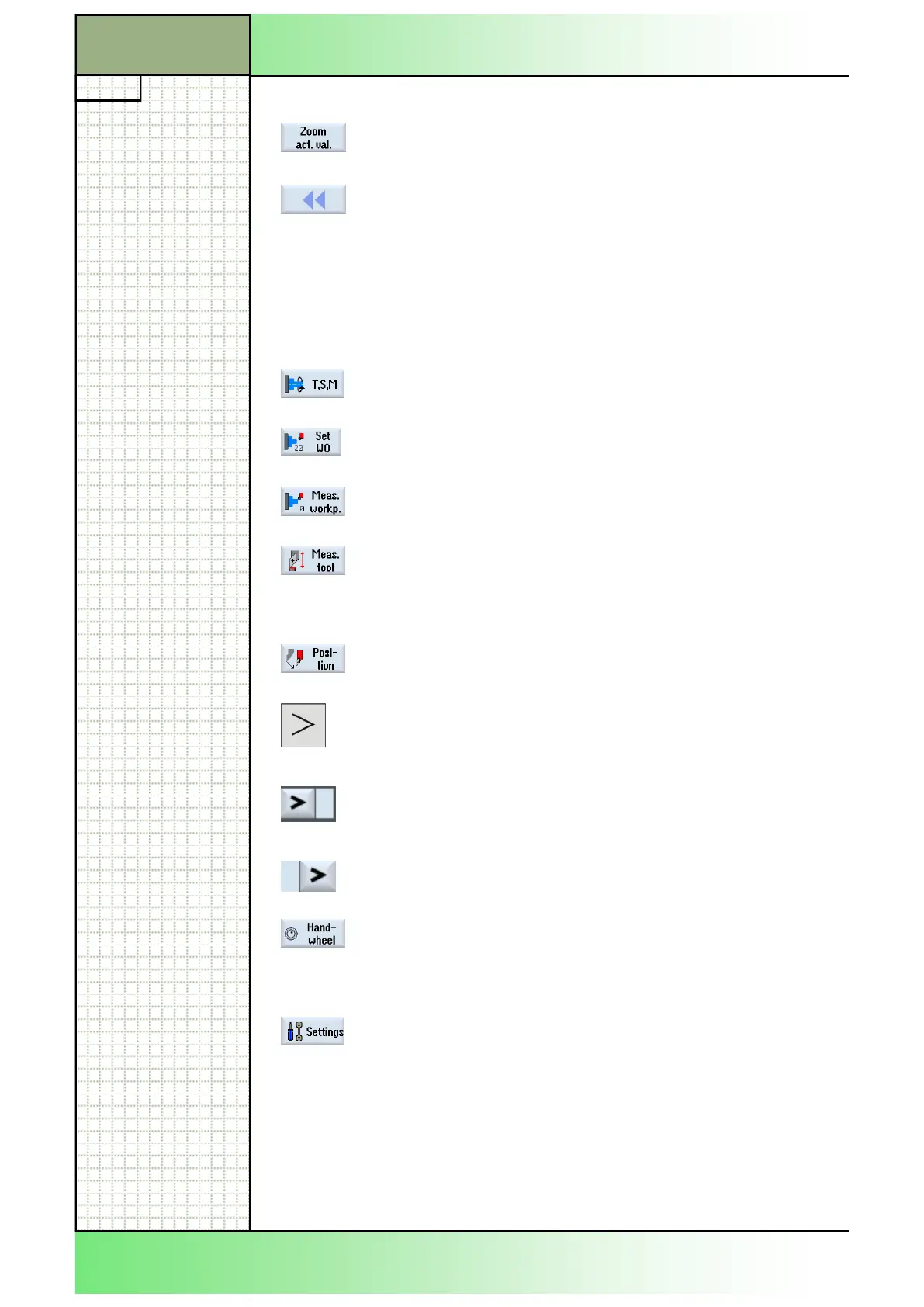
By pressing the HSK 1.1 "T,S,M" the input screen
"T,S,M" will be activated.
By pressing the HSK 1.2 "Set WO" the input screen
for setting the work offset will be activated.
mask for measuring a workpiece will be activated.
By pressing the HSK 1.4 "Meas. tool" the function
"Measure tool" will be activated and the extended
options "Manual", "Automatic",and "Calibrate" will
be available in the vertical softkey bar.
By pressing the HSK 1.6 "Position" the input screen
"Position" will be activated.
By pressing the "Extend"-button on the operator
panel (OP) more softkeys on the HSK will be avail-
able.
This symbol on the right of the dialogue line indi-
cates that more options on the HSK are available.
This symbol indicates that you are in the extended
softkey bar.
By pressing the HSK 2.6 "Handwheel" the input
mask for traversing the axis in machine coordinate
system (MCS) or tool coordinate system (TCS) will
be available.
By pressing the HSK 2.8 "Settings" a window opens
up where you can adjust the settings for manual
operation on the Sinumerik Operate.
Display area Description (Continuation)
By pressing the VSK 2.6 "Zoom act. val." all actual
values are displayed full screen.
By pressing the VSK 2.8 "Back" on the operator
panel (OP) the vertical softkey bar switches back to
the menu of the VSK 1.
















 To Next Page