B520
B520 Page 26 840D/828D SINUMERIK Operate
Notes
Section 7
Position
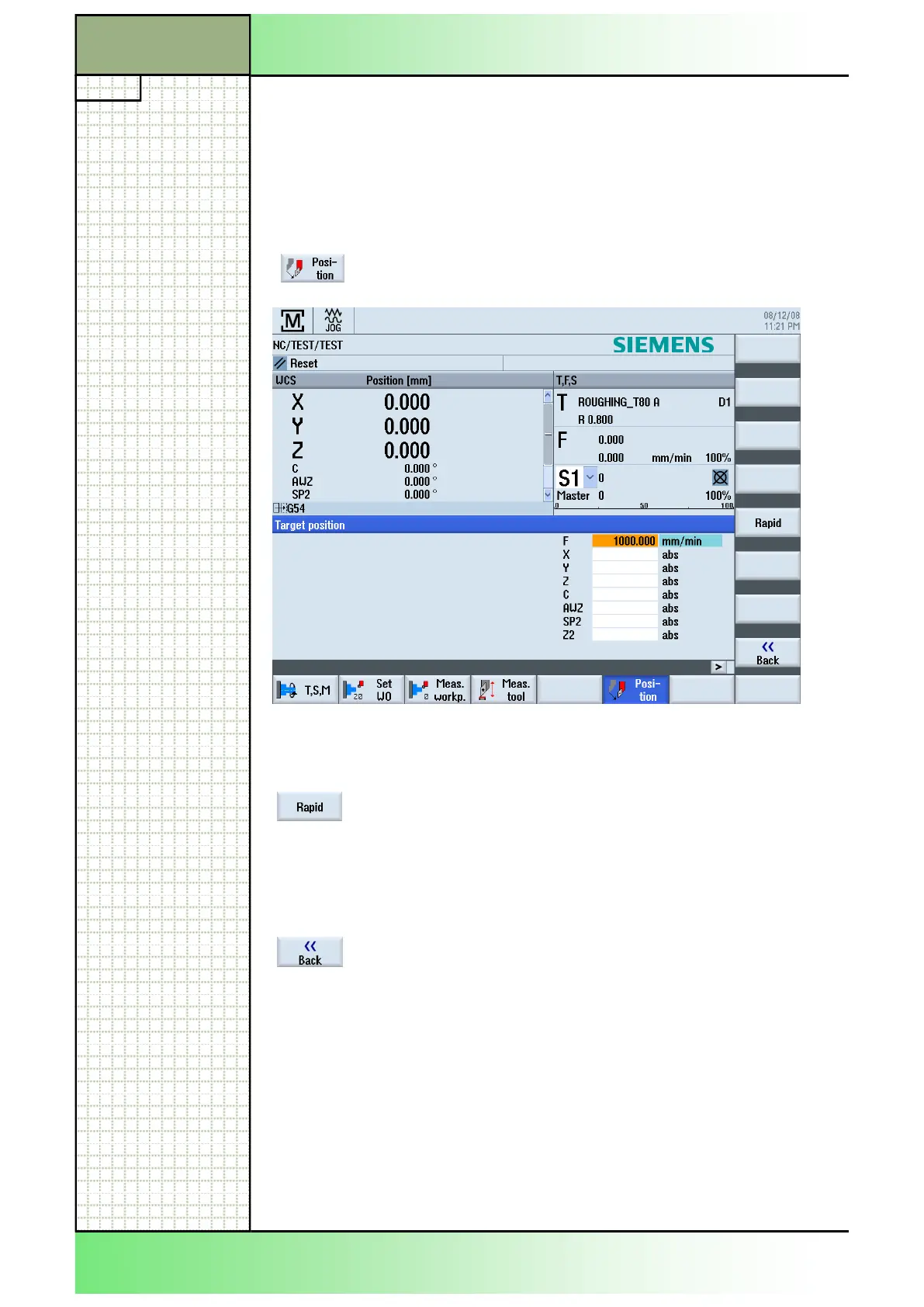
7.1 Selecting the function “Position“
In order to implement simple machining sequences, you can traverse the
axes to certain positions in manual mode.
Note:
The feedrate/rapid traverse override is active during traversing.
mask will be shown on the screen.
7.2 Vertical softkey bar (VSK)
Display area Description
set to rapid.
Hint:
The VSK 5 “Rapid” can also be pressed if the input
field parameter “F” is not the active input field
(highlighted in orange)
main screen of the Sinumerik Operate.
















 To Next Page