840D/828D SINUMERIK Operate
Notes
Handwheel
Section 8
Display area Description (continuation)
Machine axes
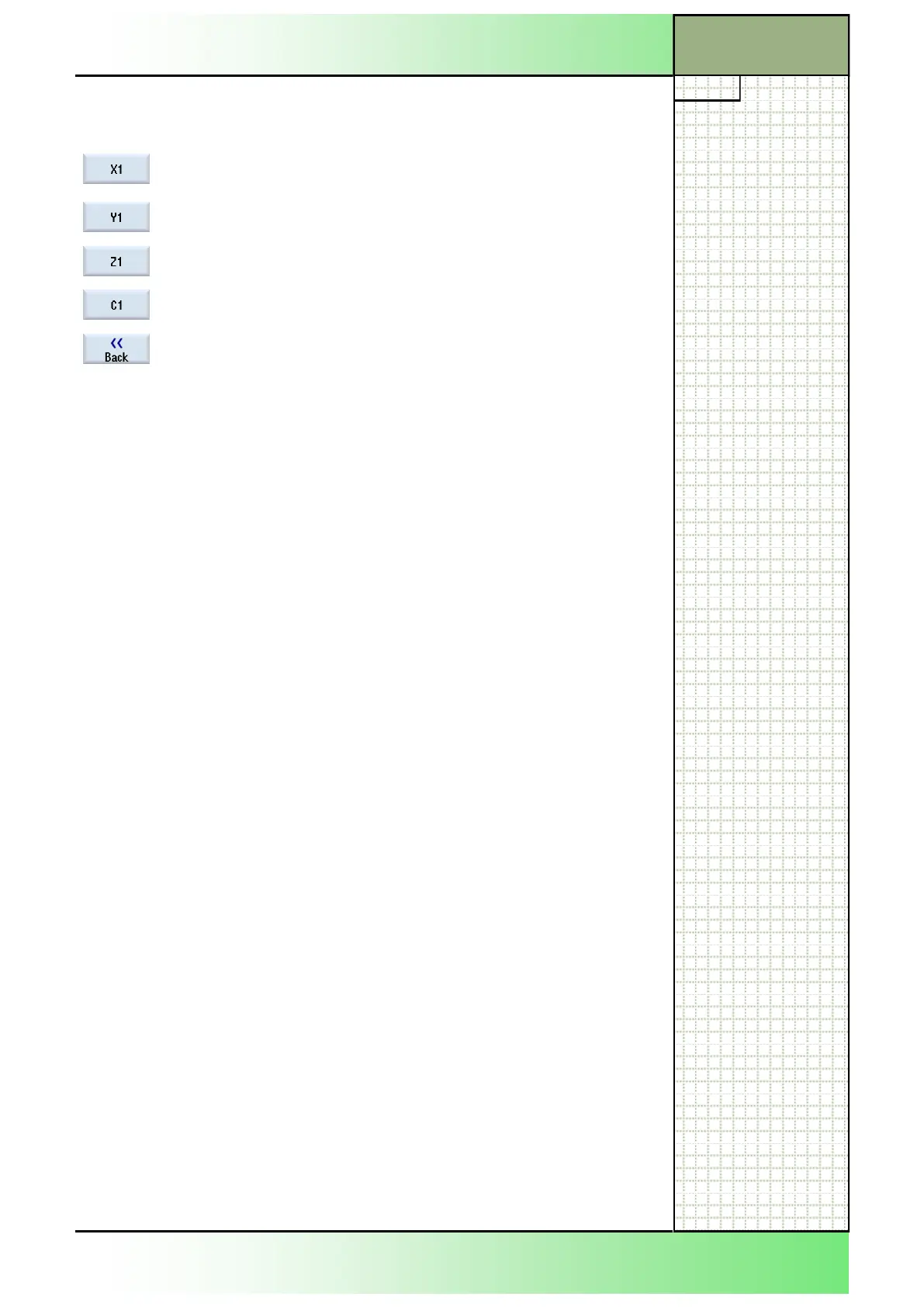
By pressing the VSK 4 "X1" the X1-axis is assigned
to the selected handwheel.
By pressing the VSK 5 "Y1" the Y1-axis is assigned
to the selected handwheel.
By pressing the VSK 6 "Z1" the Z1-axis is assigned
to the selected handwheel.
By pressing VSK 7 "C1" the C1-axis is assigned to
the selected handwheel.
By pressing the VSK 8 "Back" you can switch back
to the main screen of the Sinumerik Operate with
extended HSK-bar.
8.3 Handwheel assignment
1.
softkey bar.
2.
signment will be offered for every connected hand-
wheel.
3. Place the cursor in the field next to the handwheel
with which you wish to assign the axis (e.g. no. 1).
4. Press the corresponding softkey to select the de-
sired axis (e.g. "X").
- OR -
To open the "Axis" selection box using the "INSERT"
key, navigate to the desired axis, and press the
"INPUT" key. Selecting an axis also activates the
handwheel (e.g., "X" is assigned to handwheel no. 1
and is activated immediately).
5. Press the HSK 2.6 "Handwheel" again.
- OR -
Press the VSK 8 "Back" .
The "Handwheel" window closes.
The cursor must be placed on that handwheel whose axis-assignment
should be cancelled.
By pressing the corresponding axis-softkey again the assignment is can-
celled.
-key, the selection menu with all
available axes can be opened.
-- --keys on the keyboard,
switch to the empty field on top of the menu and press one of the yellow
"INPUT"-keys on the keyboard. The empty value will be accepted.
The corresponding handwheel is now deactivated.
8.4 Deactivating the handwheel
















 To Next Page