B523
B523 Page 12 840D/828D SINUMERIK Operate
Notes
Section 3
Tool list
Column header Meaning
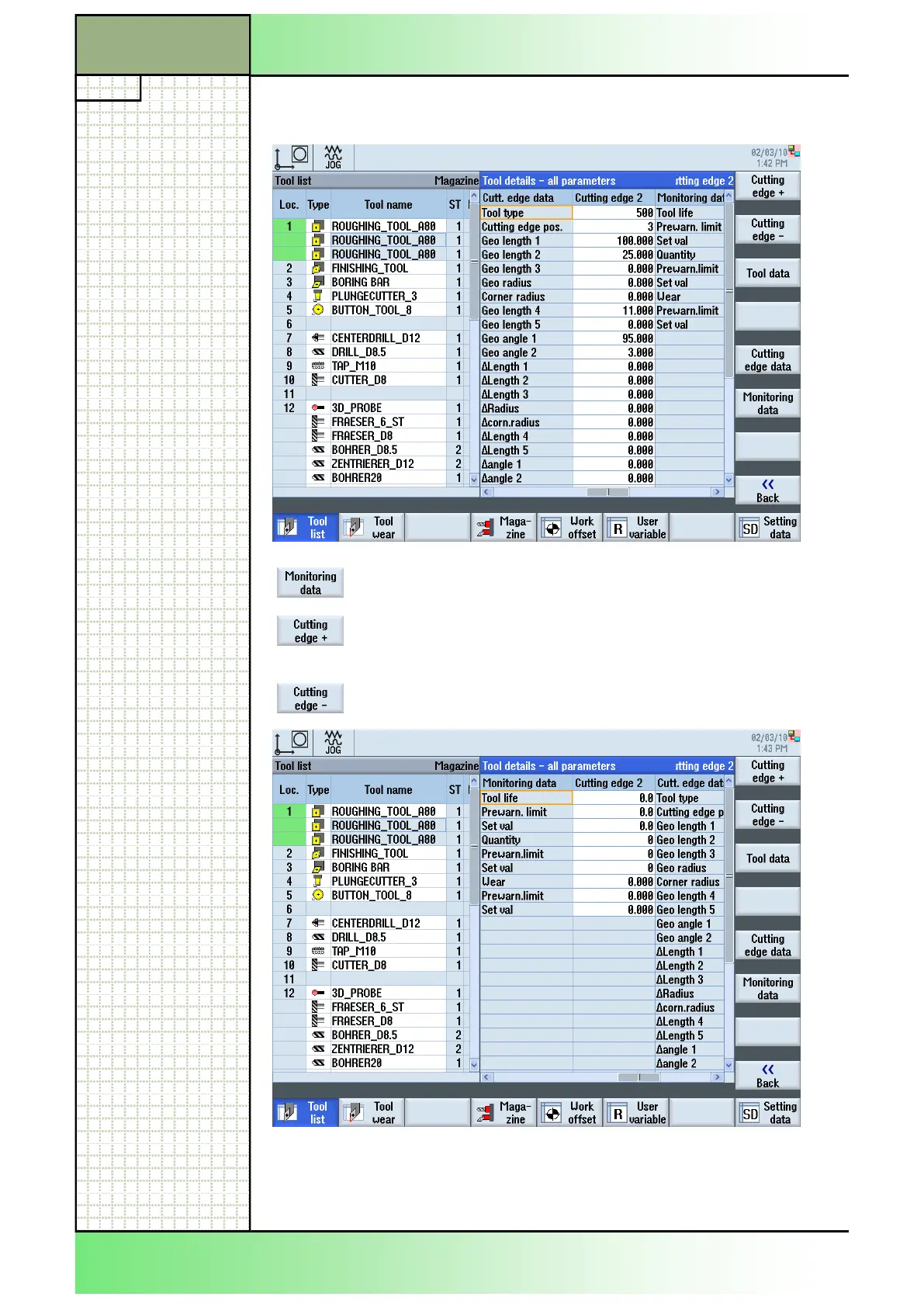
By pressing the VSK 3.6 “Monitoring data” you can
select the monitoring data of the selected tool.
In case of tools with several cutting edges you can
select with VSK 3.1 “Cutting edge +” the next cutting
edge.
VSK 3.2 “Cutting edge -” selects the previous cutting
edge
Alternately you can also navigate with the cursor buttons “cursor left” and
“cursor right” between the masks “Tool data”, “Cutting edge data” and
“Monitoring data”.
















 To Next Page