B523
B523 Page 54 840D/828D SINUMERIK Operate
Notes
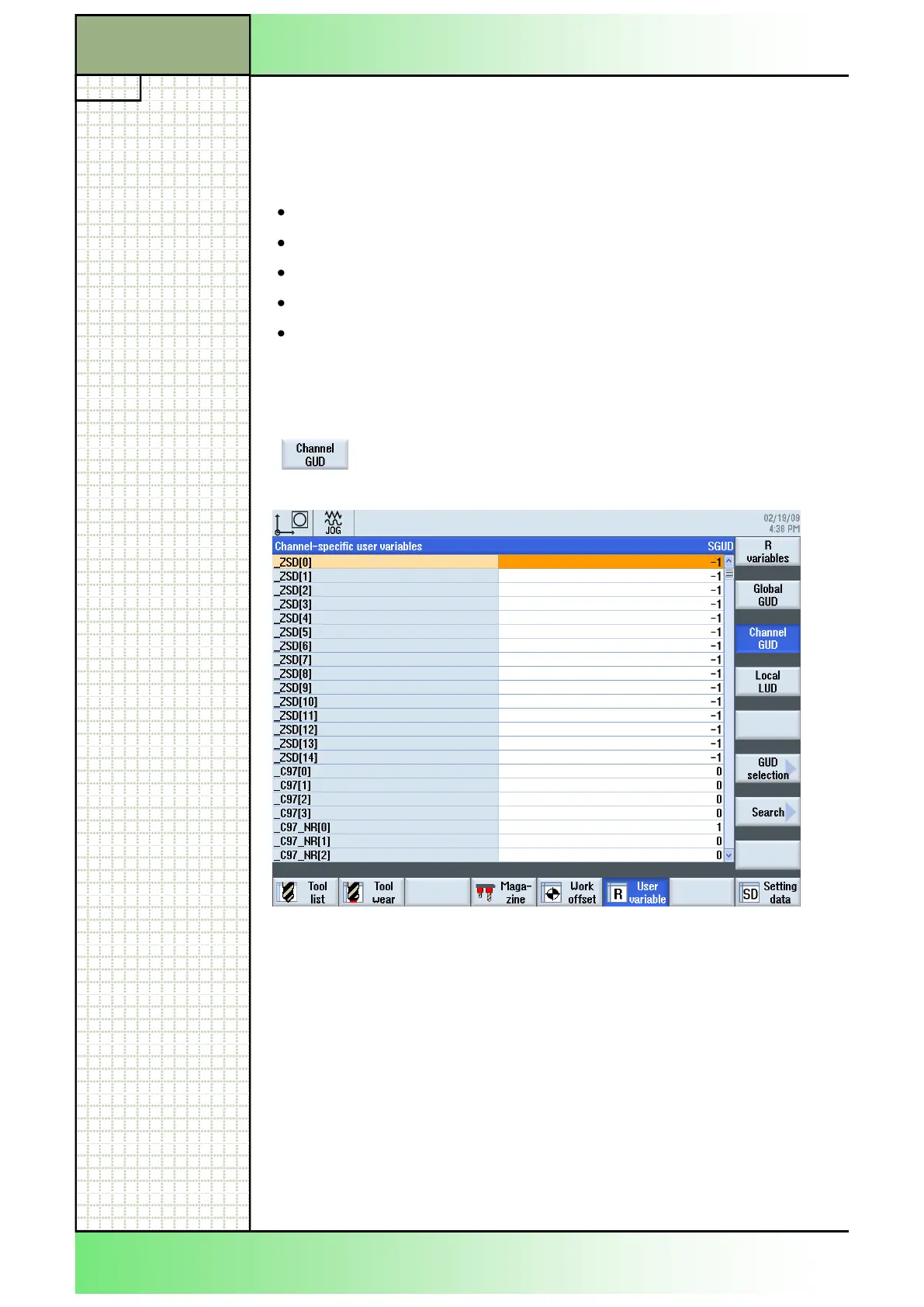
8.5.1 Selecting the function “Channel GUD“
After pressing the VSK 1.3 “Channel GUD“ the fol-
lowing window opens.
Section 8
User variables
8.5 Channel specific user data
Like the GUD, channel-specific user data are applicable in all programs for
each channel. However, unlike GUD, they have specific values.
A channel-specific GUD variable is defined with the following:
Keyword DEF
Range of validity CHAN
Data type
Variables names
Value assignment (optional)
Example: DEF CHAN REAL X_POS = 100.5
8.5.2 Displaying and editing channel GUD
1. Press the “MENU SELECT“-key on the operator
panel, then the HSK 2 “Parameter” to open the oper-
ating area “Parameter”. Alternatively press the
“OFFSET”-key on the keyboard.
2. Press the HSK 5 “User variable”.
3. Press the VSK 3 “Channel GUD“ and the VSK ´6
“GUD selection“ to select the specific GUD area.
(See section 7.6 in this module)
















 To Next Page