840D/828D SINUMERIK Operate
Notes
Section 4
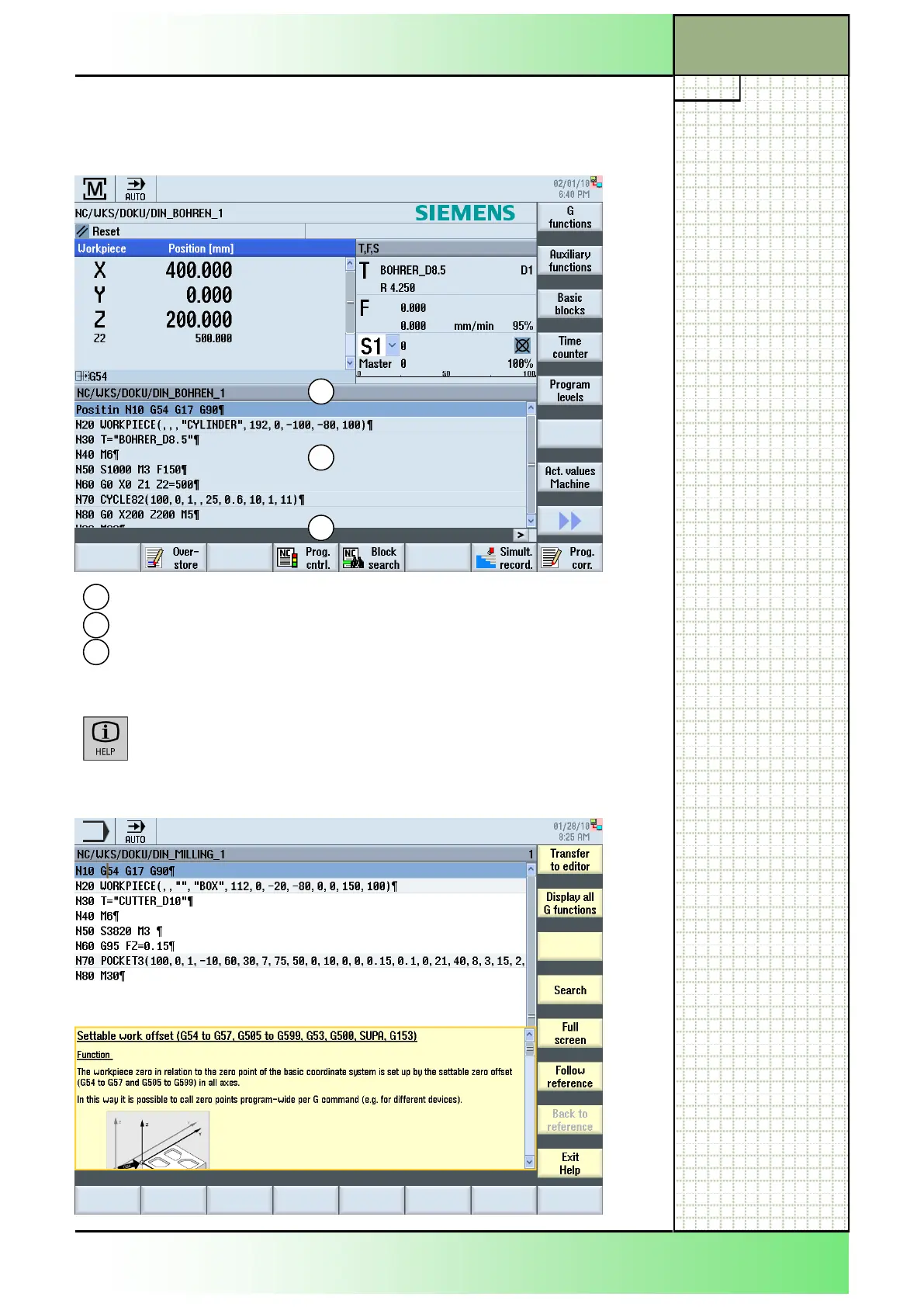
Program name/Program path
Program code
Message bar
3
2
1
4.1 The “Current block display” screen
The following screen shows the actual machined program blocks.
4.2 Help menu
By pressing the “HELP“-key on the CNC-keyboard,
the help window with the vertical softkey bar opens .
If there is a specific help item for the current cursor
position the corresponding help screen is shown
Screen elements and their meaning
1
2
3
















 To Next Page