840D/828D SINUMERIK Operate
Notes
6.5 Selecting the function “Program control”
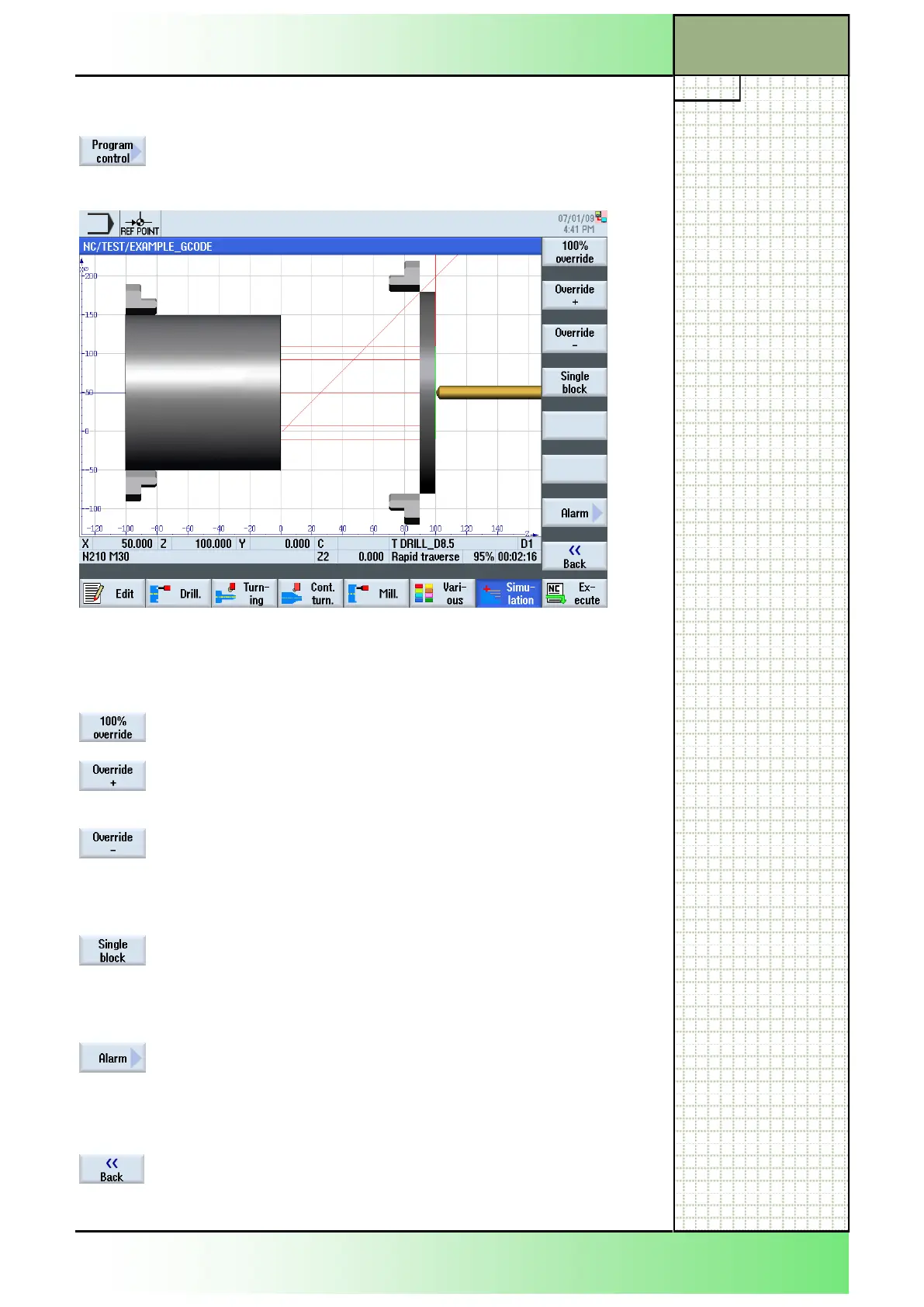
By pressing the VSK 1.7 “Program control” the fol-
lowing functions will be shown in a vertical softkey
bar on the right side of the screen.
6.6 Vertical softkey bar
Display area Description
By pressing the VSK 1 “100% override” the feedrate
override is set to the maximum override of 100%.
By pressing the VSK 2 “Override +” the override will
be increased in 5% steps each time you press the
softkey, until a maximum of 100% is reached.
By pressing the VSK 3 “Override -” the override will
be decreased in 5% steps each time you press the
softkey until a minimum of 0% is reached.
With a feedrate override of 0% the simulation is
paused.
By pressing the VSK 4 “Single block” the simulation
will be executed block by block.
With pressing this softkey the VSK 1.1 “Start” in the
operating area “Simulation” will be exchanged with
the “VSK 1.1 “SBL” (see section 6.2).
By pressing the VSK 7 “Alarm” the “Simulation
alarms” window opens, with alarm messages that
have occured during a simulation run
(see section 6.6.1).
This can be used for error detection.
By pressing the VSK 8 “Back” you switch back to the
vertical softkey bar 1.
Section 6
Simulation
















 To Next Page