B611
B611 Page 6 840D/828D SINUMERIK Operate
Notes
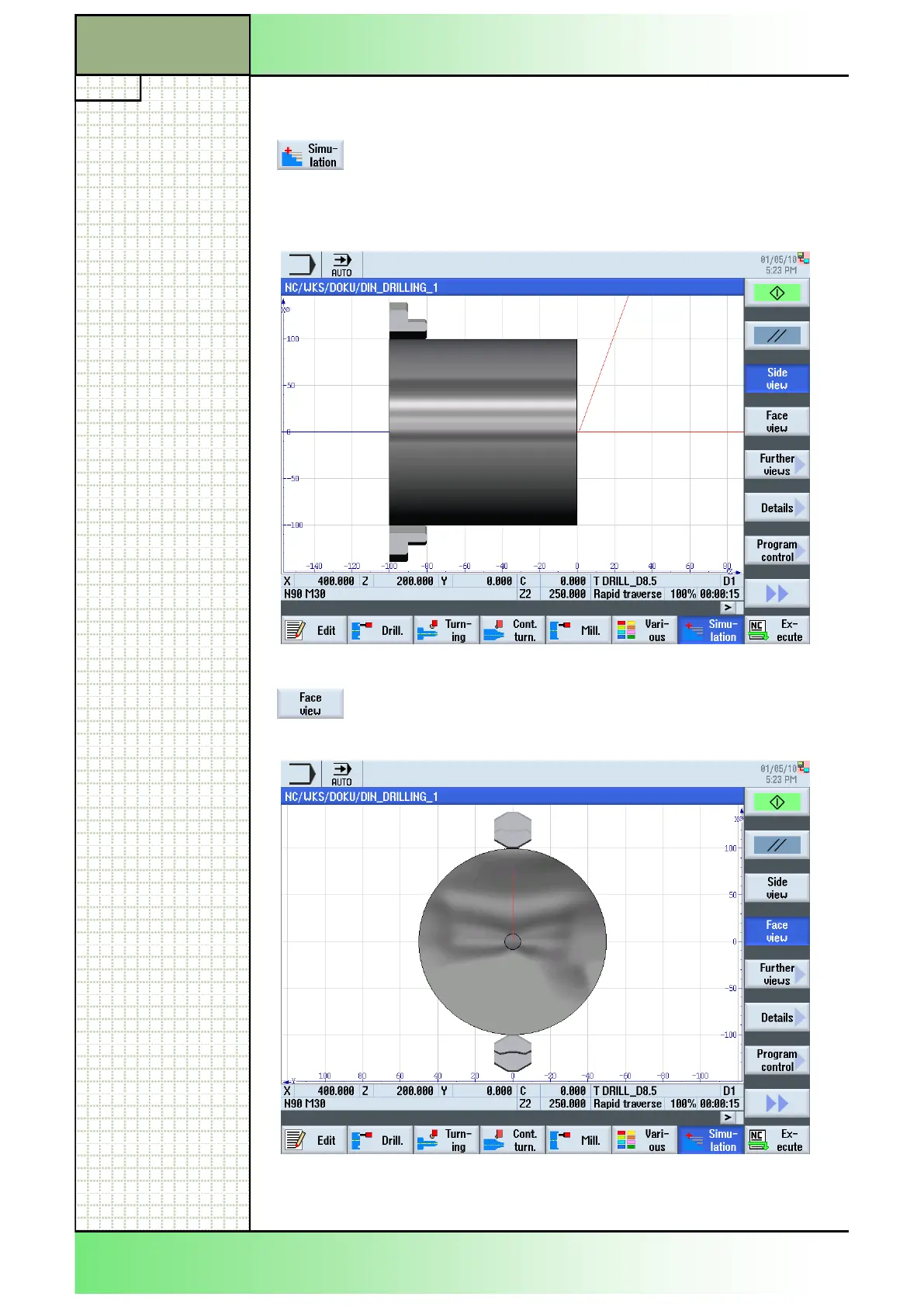
10. Simulate the machining.
Press the HSK 1.7 “Simulation” to run the simulation
of the program.
The simulation starts in a “Side view” on the blank by
default.
To see the simulation of the machining from the front
of the blank, press the VSK 1.4 “Face view”.
Section 2
Simple programming example
















 To Next Page