4
Getting Started
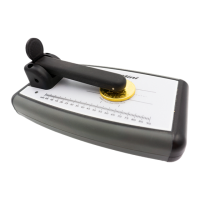
Calibrating the PRO Mini
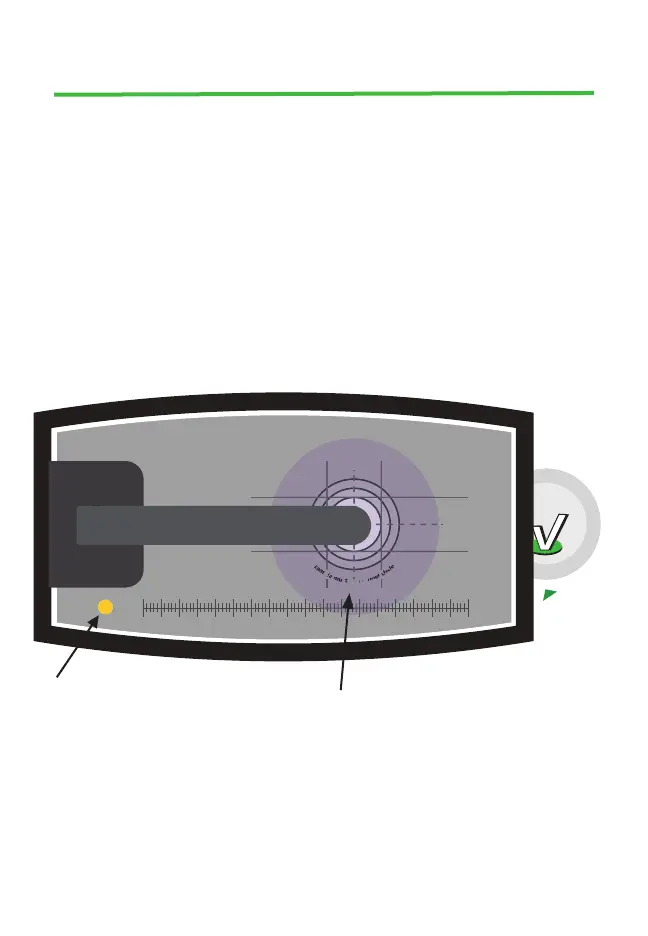
• Calibrating The PRO Mini will automatically calibrate when powering on.
If calibration is needed during use, press the power button briey and the
yellow light will blink rapidly a few times, during which the instrument is
calibrating.
NOTE: The instrument must be clear of samples and the sensor bar should be in
the raised position during calibration. Otherwise, calibration will be incorrect,
and calibration will have to be repeated with these conditions met.
Blinking Light
Instrument is calibrating
Solid Light
Sample is in place
Sample Illumination Lamp
Instrument is powered on
Calibration
disc storage
underneath
instrument
Calibration
10 504540353025mm 05 2015 6055 80757065 9085
s
a
m
p
l
e
m
u
s
t
c
o
v
e
r
i
n
n
e
r
c
i
r
c
l
e
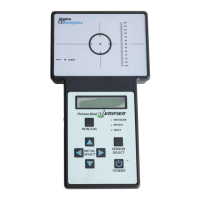
PMV PRO Mini
Sensor Bar


 To Next Page