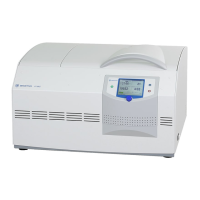
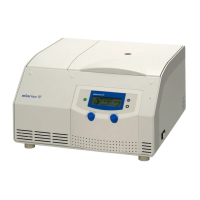
1-14K
Using the Centrifuge
30 Version 05/2010, Rev. 1.8 of 01/09/2011- sb
Translation of the original operating manual
6.3.7.6 Softstart and Softstop Function
The softstart function is used to extend the acceleration time,
whereas the softstop function is used to extend the deceleration time.
The current combination is shown on the display.
• To activate the softstart and softstop functions, press the “set”
key repeatedly until “Soft-stop/start” flashes in the upper left part
of the display.
• Press the arrow keys until "Soft-stop/start on" is displayed. The
softstart and softstop functions are now activated.
• Press the “set” key until “Soft stop on” is displayed. Only the
softstop function will be active and the centrifuge will start at
normal speed.
• Press the “set” key until “Soft off” is displayed. The softstart and
softstop functions are now deactivated.
The data will be accepted immediately and saved after approx.
20 seconds.
You can also change the settings as described above during a
centrifugation run.
6.3.8 Rotor Selection
In the delivery status of the centrifuge, the rotor 12084 is preselected.
If another rotor is installed the configuration must be changed, so that
the allowed maximum speed of the rotor can be reached.
• To select another rotor, press the "set" key and hold it.
• Press the up-key three times and then release the "set" key.
• Choose the number of the installed rotor out of the following list,
by pressing the arrow keys:
Code
1 2 3 4 5
Rotor
11026
11028
12082
12083
12084
Code
6 7 8 9 10
Rotor
12085
12092
12093
12094
12096
• Press the "set" key to confirm the input.
The rcf value will be adjusted automatically to the selected rotor.
The rotor selection will be saved under the corresponding program
number.



 To Next Page