56
SETTING THE SENSITIVITY
(
ISO EQUIVALENCY
)
The photosensitivity of digital cameras
is described in terms of “ISO
equivalent” like silver-halide film
cameras. (ISO sensitivity P. 11 2)
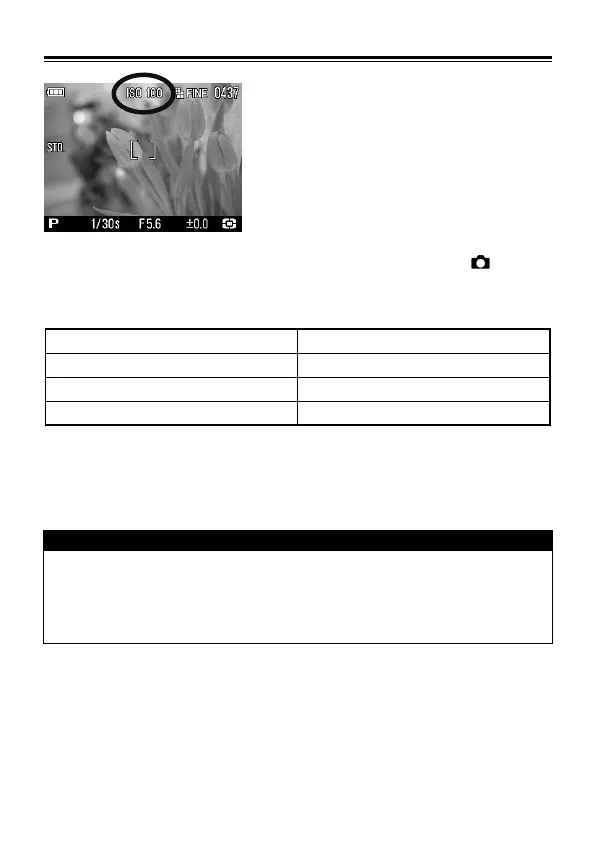
The ISO Sensitivity can be set in Quick Set Menu (P. 34 )or [ Capture
Settings] (P.2 6 ) → [ISO Sensitivity].
ISO Auto* ISO 50
ISO 100 ISO 200
ISO 400 ISO 800
ISO 1600 (RAW) ISO 3200 (RAW)
• It is possible to select an ISO value from 50 to 800 in JPEG mode or from
50 to 3200 in RAW mode.
CAUSION!!
• If [ISO Auto] is selected, the ISO value will automatically change to
ISO 100 or 200 depending on the light condition. When using the
flash, the ISO value is changed to ISO 100, 200 or 400
automatically.



 To Next Page