EOX
®
VIEW 1200 I Operation I 25
2.3.1 Controlling the ride menu
2.3.2 Settings
2.3.3 Trip Reset
2.3 Operation
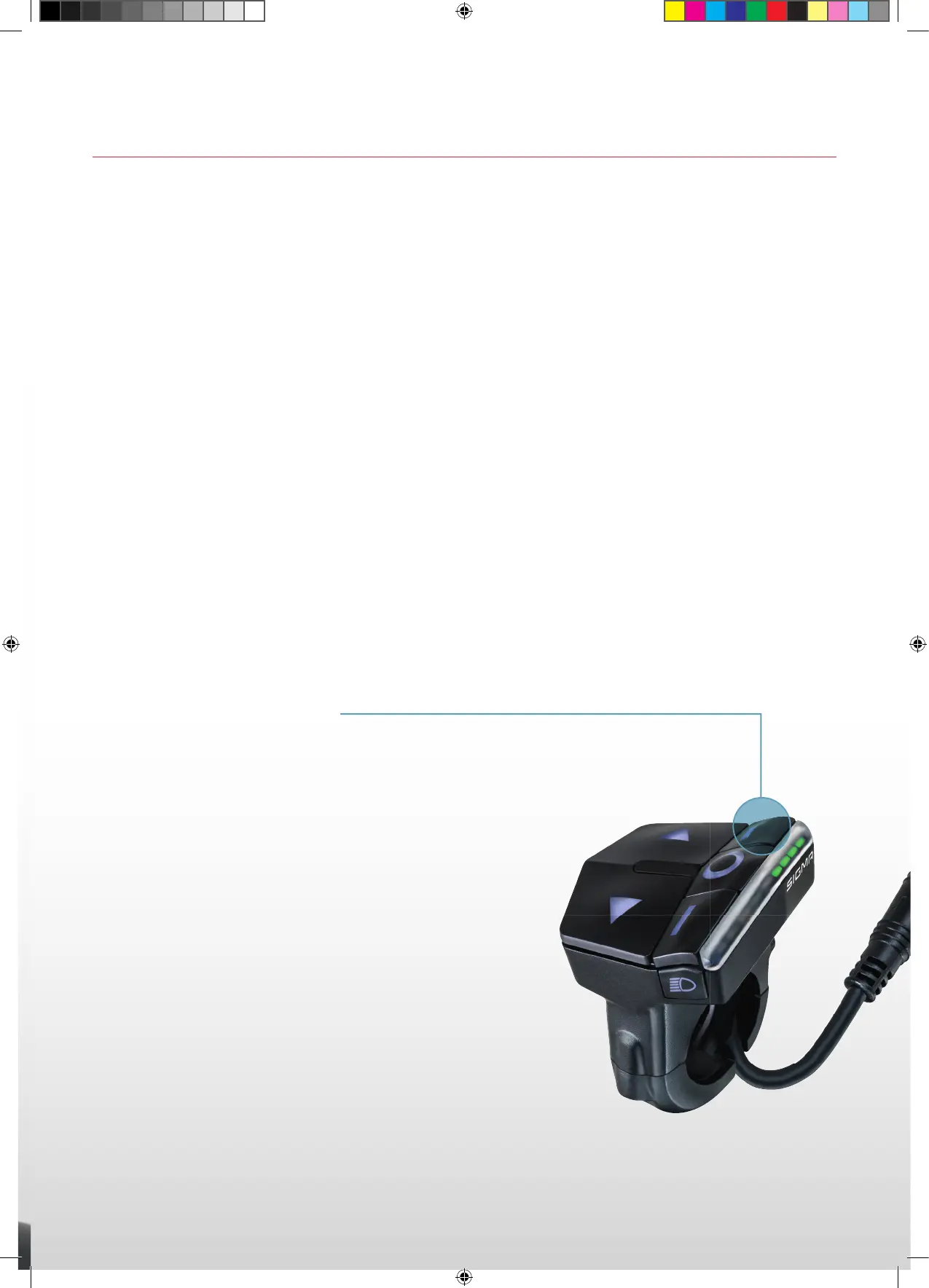
To change the functions shown in the multifunctional area press the A and C button in the ride menu.
− To enter the menu of the EOX
®
VIEW 1200 long-press the B button (>2 s).
− Switch to the item “Settings” using the A/C button.
− Press the B button briefl y.
− The following settings can be done:
1. Language (English, Deutsch, Francais, Italiano, Espanol, Hollands, Polski, Cestina)
2. Units (kmh/mph, °C/°F)
3. Time
4. Date
5. Contrast
6. Year of birth
7. Maximum heart rate
8. Connect heart rate sensor
To reset the trip data of the EOX
®
VIEW 1200 long-press the A button (>5 s).
A
SIGMA-SPORT-EOX-Manual-EN-210x297-HZM-V1.indd 25SIGMA-SPORT-EOX-Manual-EN-210x297-HZM-V1.indd 25 16.09.2021 15:12:2816.09.2021 15:12:28



 To Next Page