ROX 6.0 Page 23
Setting the total hiking time
Basic settings
6 Press
Mode 2
or
Reset
to increase or decrease the minutes value respectively.
7 Press the
Set
button to save your setting.
“Set OK” appears on the display.
Important Note:
0.005 h is equivalent to 5 hours.
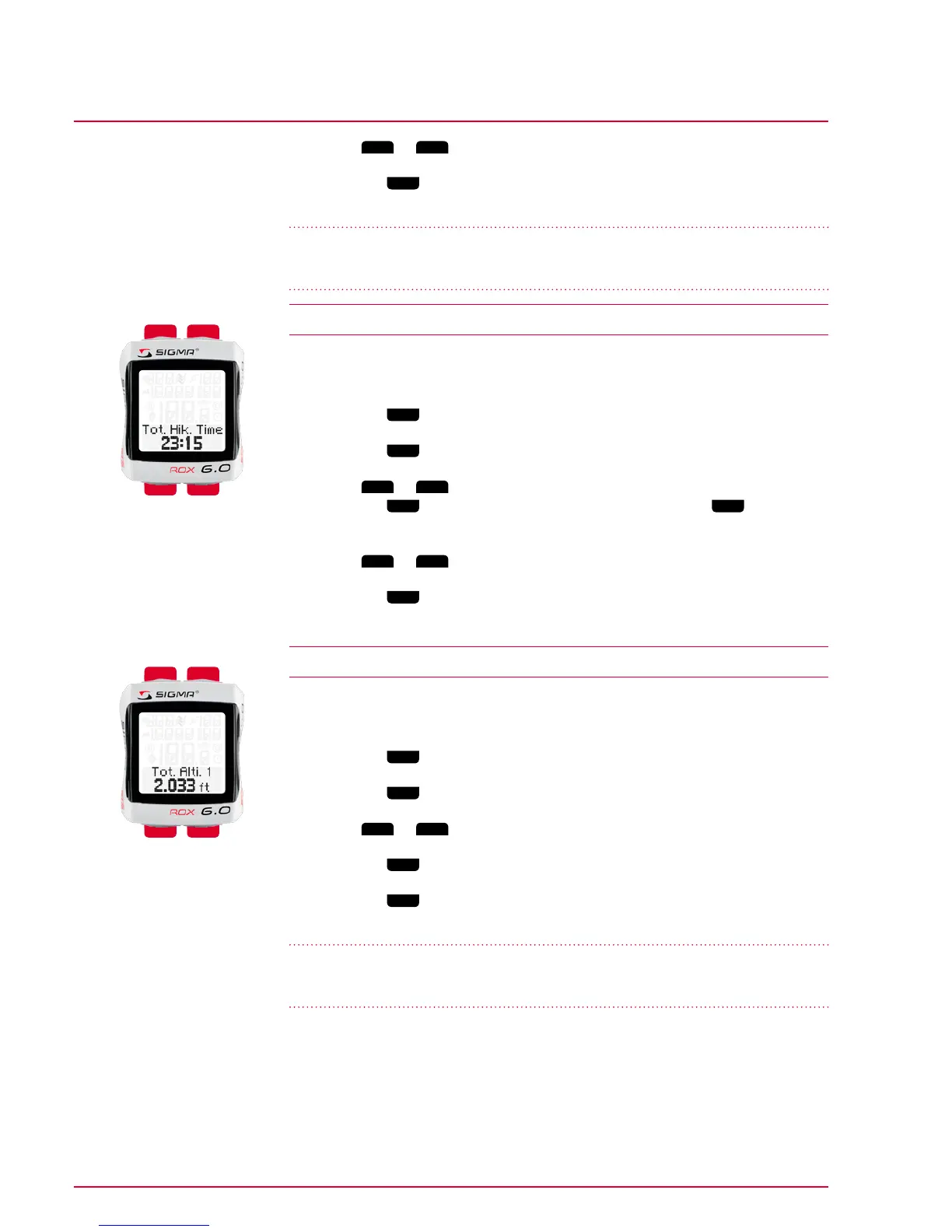
4.17 Setting the total hiking time
You can use this option to enter existing values (e.g. transferred from your old
device). New values are then added to these.
1 Press the
Mode 1
button to move to the total hiking time.
2 Press the
Set
button. The first digit for entering the hours value flashes.
3 Press
Mode 2
or
Reset
to increase or decrease the hours value respectively.
Press the
Mode 1
button to switch to the next digit. Press the
Set
button to
save your setting.
4 Press
Mode 2
or
Reset
to increase or decrease the minutes value respectively.
5 Press the
Set
button to save your setting.
“Set OK” appears on the display.
4.18 Setting the total altitude for bike 1 or bike 2
You can use this option to enter existing values (e.g. transferred from your old
device). New values are then added to these.
1 Press the
Mode 1
button to switch to the altitude for bike 1 or bike 2.
2 Press the
Set
button. The first digit for entry flashes.
3 Press
Mode 2
or
Reset
to increase or decrease the value respectively.
4 Press the
Mode 1
button to switch to the next digit.
5 Press the
Set
button to save your setting.
“Set OK” appears on the display.
Important Note:
01.779 ft is equivalent to 1,779 ft (The display will show 1.779 ft).
Mode 2Reset
Mode 1Set
Mode 2Reset
Mode 1Set



 To Next Page