MU_S01 MY22_EN - User Manual S01 MY22 (V006) Page 26 of 68 Copyright© SILENCE Urban Ecomobility
5) Ignition
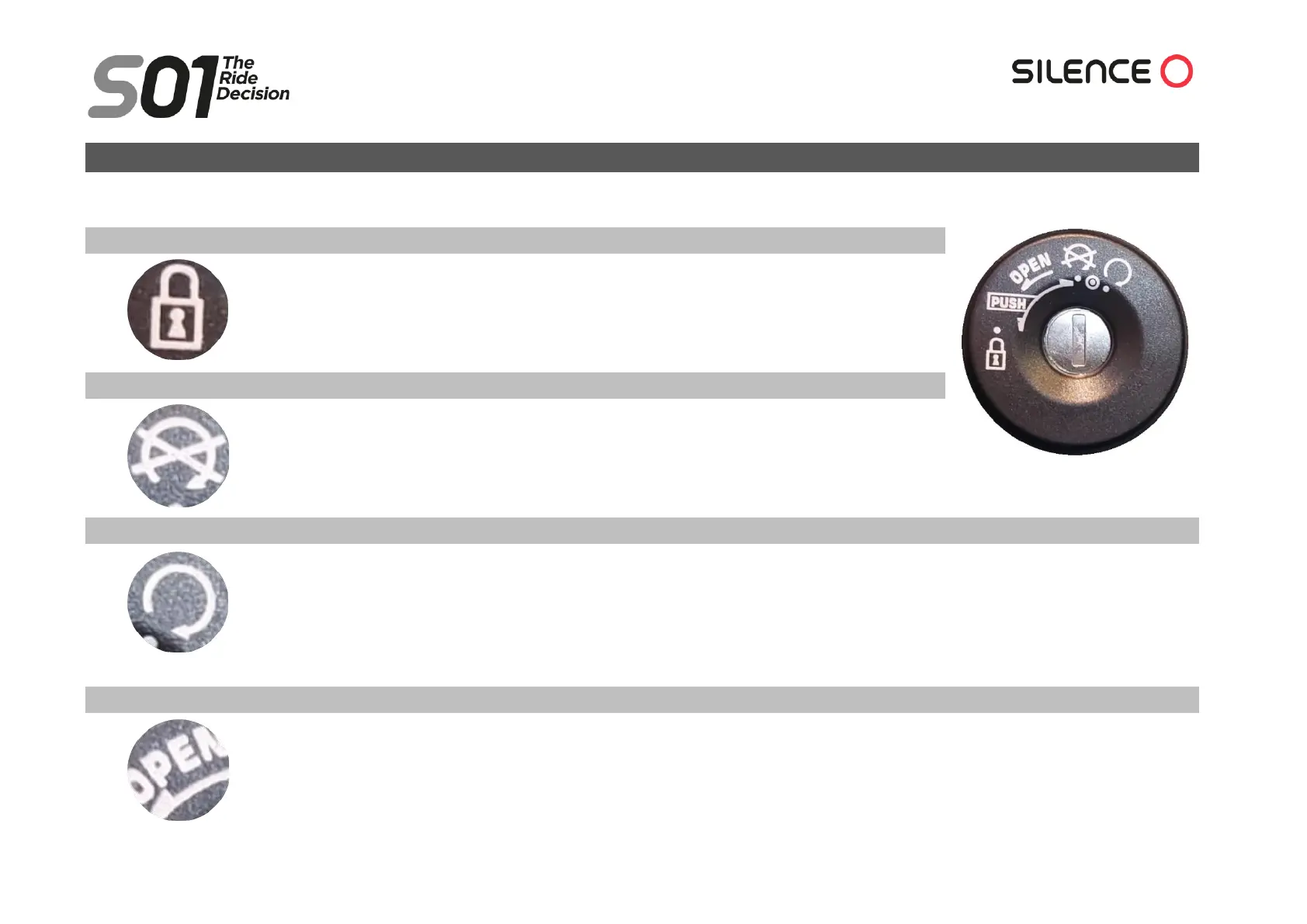
Switch positions:
Handlebar lock
Turn the handlebar all the way to the left. Put the key in, push it in and turn to the left, to the "lock"
position.
Now all the functions are blocked and the scooter movements are highly limited.
“OFF”: Shutdown/unlocking the handlebar
All the functions are locked but the handlebar is not (the scooter can be moved). You can work on
the scooter safely (removing the keys is still always recommended).
“ON”
All functions are ready to be used. The scooter is ready to be driven if you hold the MODE button and the left brake lever pressed until
“READY” appears on the speedometer and the green drive light (D) comes on. In this position, the key cannot be removed.
In addition to the key, the Connected and Plus versions can be switched on via the “My Silence” app, which allows the scooter to be
shared without the need for a physical key (although the handlebar must not be blocked).
Seat opening
Insert the key and, without pressing inward, turn it to the left until a click is heard from the seat (when the seat latch opens). In the
connected versions, you can also open it through the app (see Opening and closing the seat section).



 To Next Page