9"
"
STANDBY Mode
The “standby” mode should only be used between clients (in the course of the same day) to
save time.
The unit should be completely powered OFF at night and turned back ON the following morning,
before the first client.
This procedure will increase screen longevity.
Procedure: there are two ways to place the unit in “STANDBY” mode:
1. by pressing the blue “standby” button, located on the right side of the unit, or
2. by holding the “standby” button for few seconds which brings up the menu on the screen,
then select “Suspend”. When in “STANDBY” mode, the fan will continue to operate for 3
minutes to cool down the unit, and then will turn OFF.
3. to restart the unit, simply press the “standby” button again. The unit will turn back ON,
ready to operate.
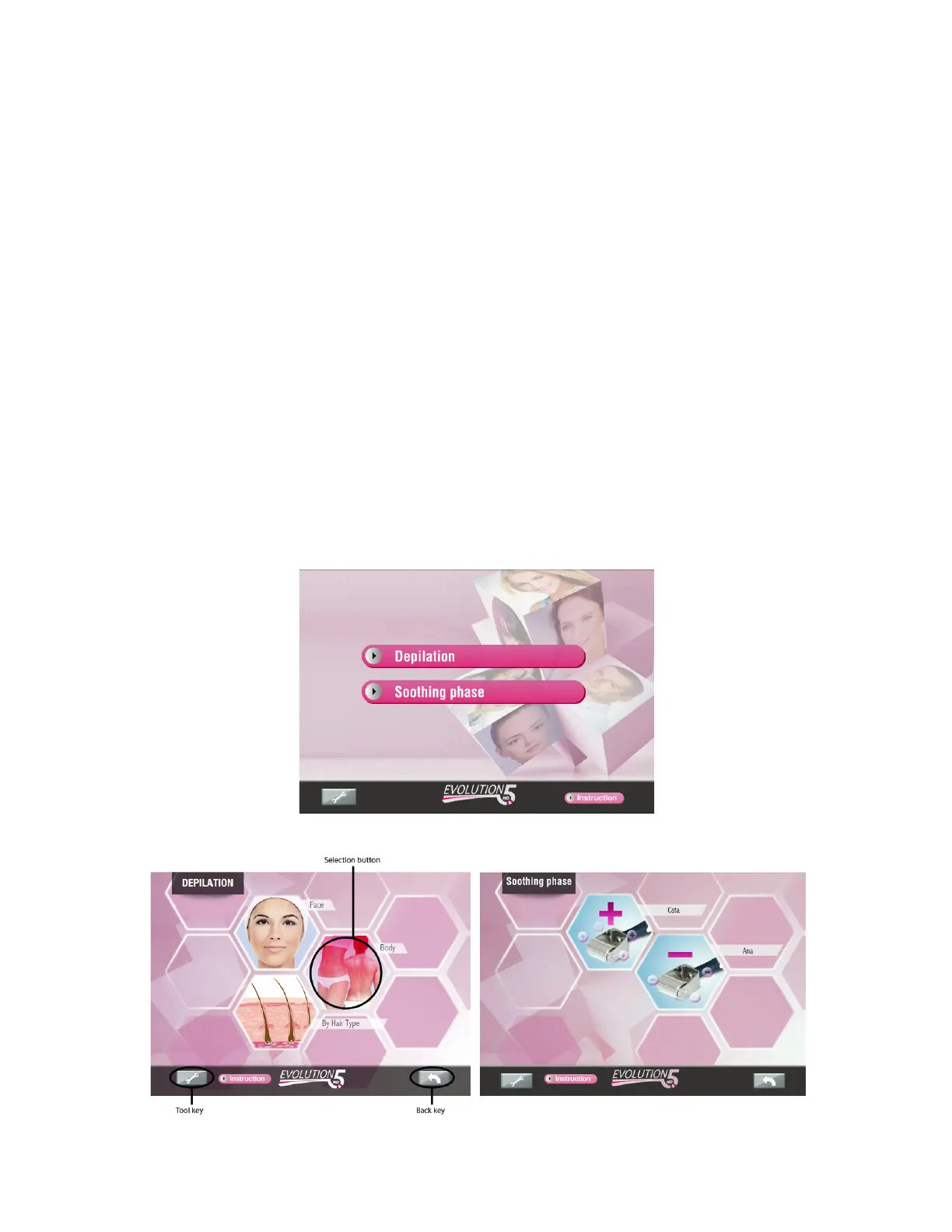
Treatment selection
• Use this screen to select treatments
Screen description


 To Next Page