8"
"
03.Unit settings
Your new Evolution 5HD system uses a touchscreen interface. It is highly recommended that
you carefully read and understand the instructions to properly use your electrolysis system.
INSTRUCTIONS: The touch screen interface is very sensitive, therefore:
1. ALWAYS use the screen pen provided with the unit to touch the screen. There is no
need to press hard for a response.
2. NEVER use sharp objects as these may damage the screen.
3. NEVER put the probe holder or the tip of the needle in contact with the screen
surface.
The probe carries high voltage and will damage the screen.
Turning the unit ON
1. To turn the unit on, use the power switch located at the back of the unit. Switch to the
"ON" position.
2. The screen will display the following message: “Loading OS please wait”.
3. The computer will take approximately 15-30 seconds to load all programs.
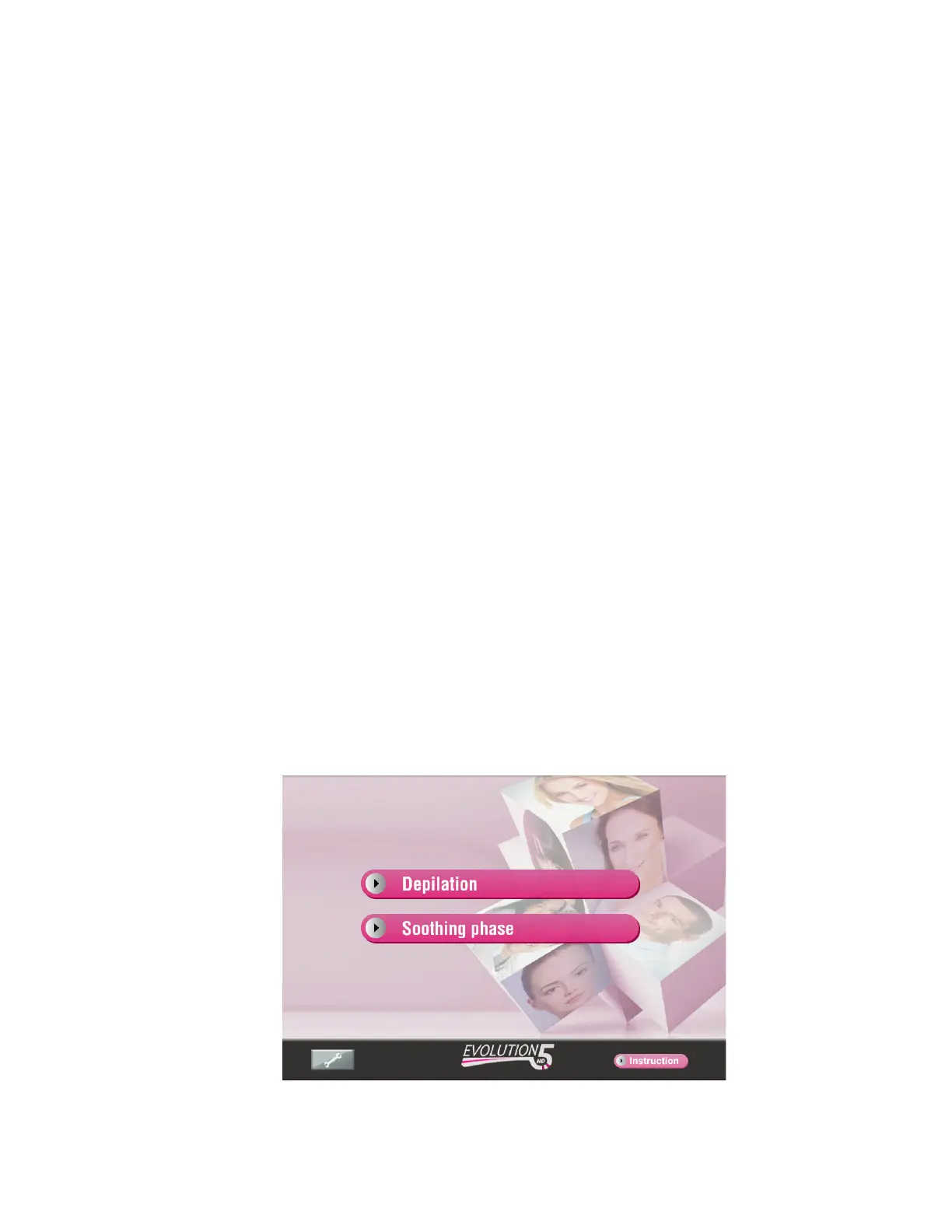
4. The unit is ready to use when the screen displays “Depilation” and “Soothing phase”.
5. Function selection: touch “Depilation” or “Soothing phase” key to access the main
“Treatment Menu”.
All treatments and functions are selected by simply touching the appropriate key.


 To Next Page