10"
"
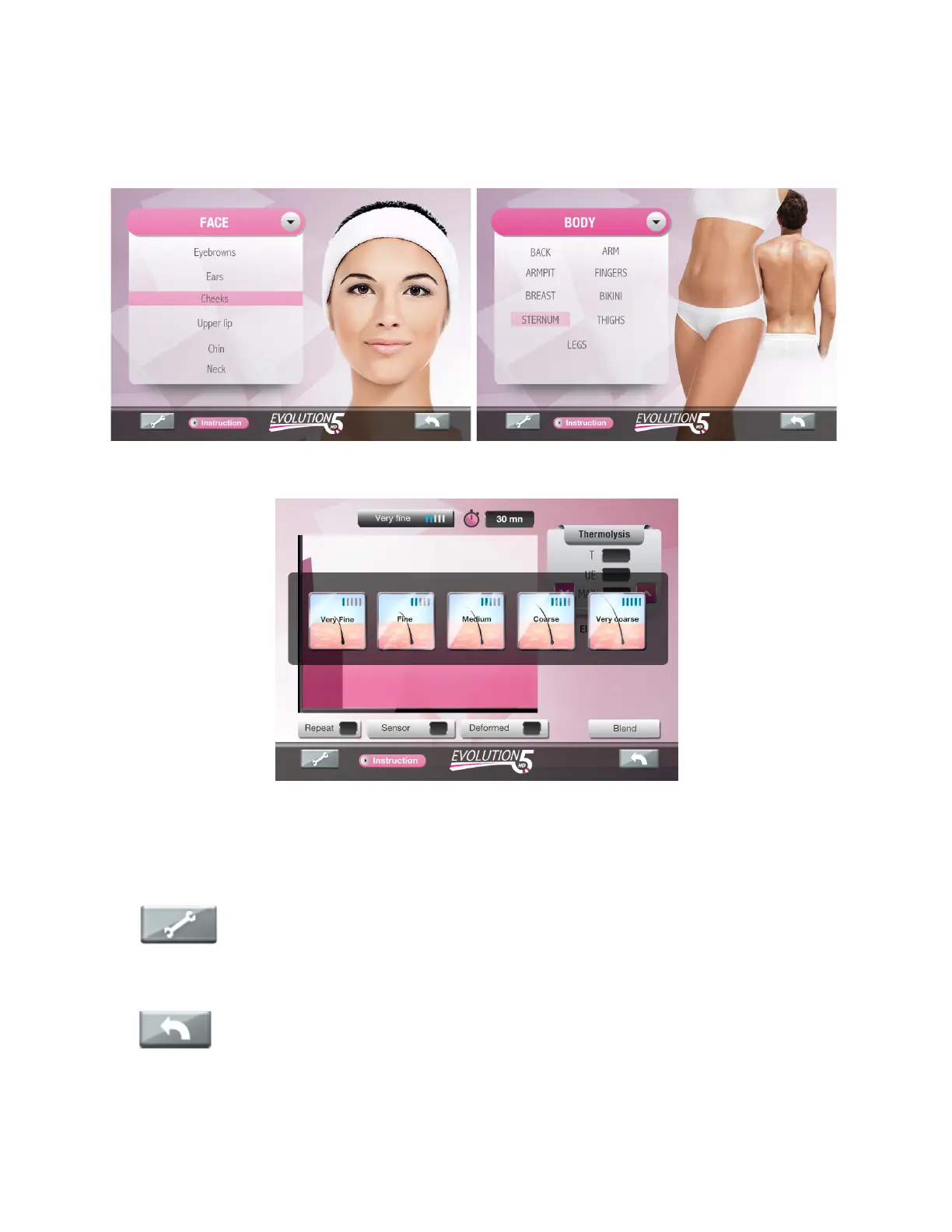
3 Selection butons are available in « Depilation » program :
• The “Face” or “Body” icon will bring up all face or body areas to be treated.
• The “Hair type” icon selects generic intensity settings based on hair size.
2 Selection buttons are available in Soothing phase program (Ana / Cata): Refer to section
Soothing Phase into the 04. Treatment Screen Chapter for treatment details.
The “TOOL key” on the bottom left of the screen, is a configuration key that
enables system’s setting parameters, such as modifying screen brightness, beep sound
insertion delay, language and when applicable, updating your unit interface through Wi-Fi.
The “Back key” (arrow pointing to the left) will bring up the previous screen.


 To Next Page