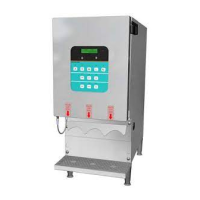
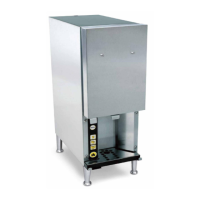
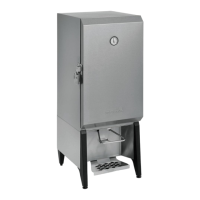
Cream Dispenser
Model SK-2
1
Place the drink under the dispensing tube.
Operation — General Operation — Dispensing Cream
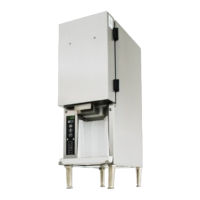
Select the size. Press
the
proper drink size
button to dispense the
t
NOTE: The end of the
tube may need to be
cleaned daily with a
clean cloth to prevent
buildup which could
affect the dispensing of
the correct amount of
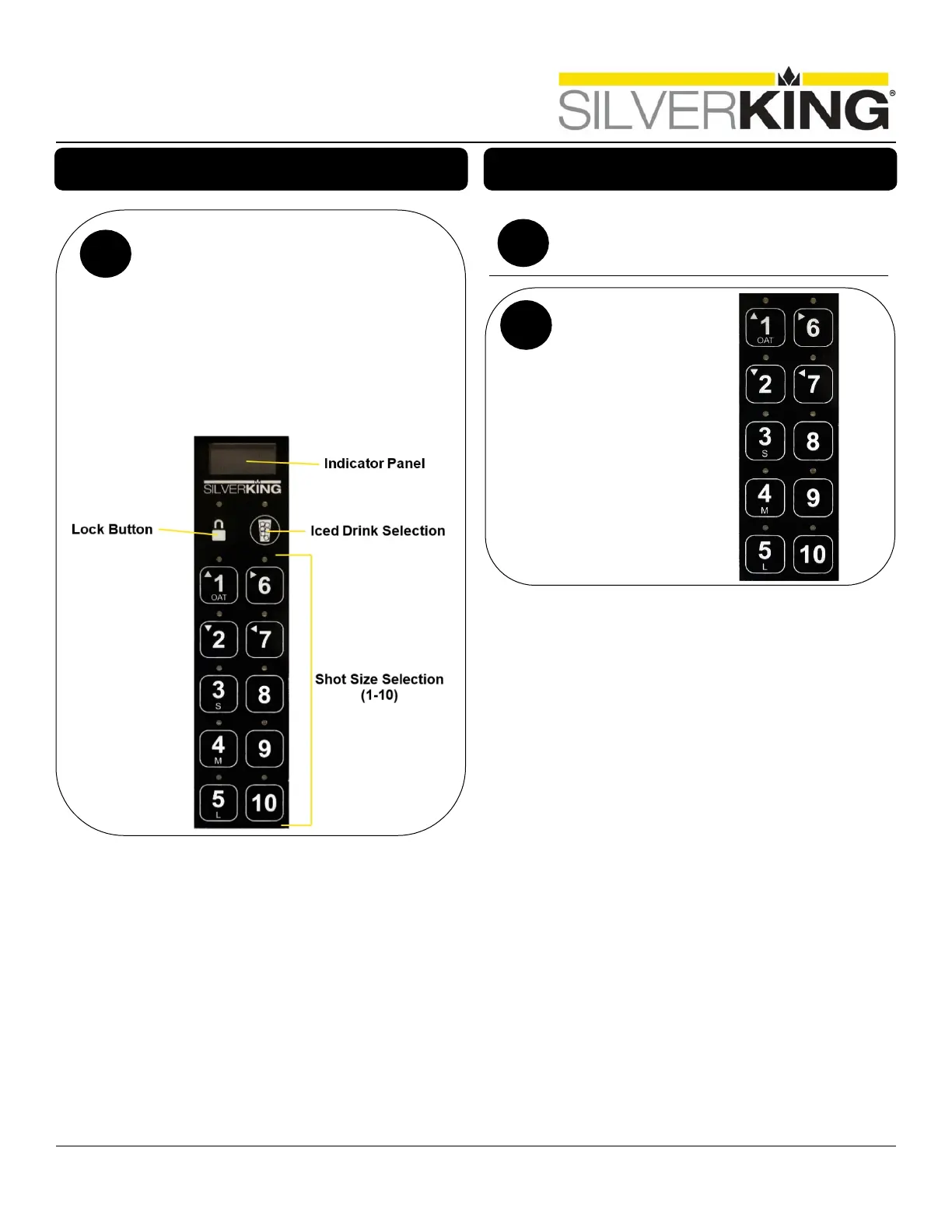
Indicator Panel — The indicator panel contains a
digital LED display that reads the product tem
-
and percentage of cream remaining
— Used to lock buttons on touch
panel, and prevent any unwanted
dispenses
Buttons – The 10 lower
on the indicator panel are for selecting
sizes. 1,2,3…10 shots of cream.


 To Next Page