SilverCrest STLK 8 D2
English - 29
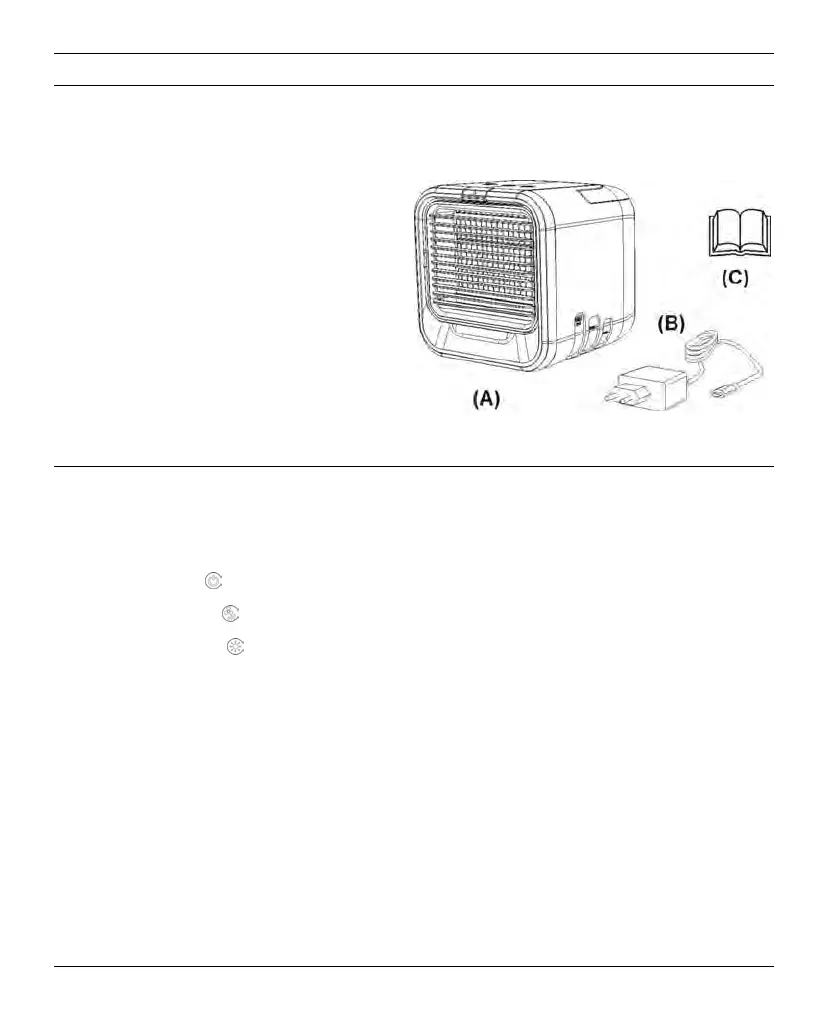
3. Package contents
Remove the air cooler and all the accessories from the packaging. Remove all packaging material and
check that all parts are complete and undamaged. If you find anything missing or damaged, please
contact the manufacturer.
(A) SilverCrest air cooler STLK 8 D2
(B) Mains power adapter with USB cable
(C) This user manual
4. Controls
On the inside of the cover, the air cooler is shown with figures indicated. The meanings of the numbers
are as follows:
1
Closure flap on front panel
2
On/Off button
3
Fan speed button
4
Mood light button
5
Handle
6
Power input socket (type USB-C)
7
Air inlet grille
8
Non-slip feet
9
Fill level display
10
Front panel (with adjustable air outlet grille)
11
Air filter
12
Housing
13
Water reservoir


 To Next Page
 Loading...