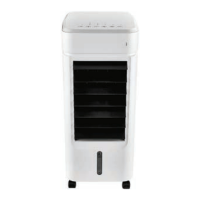
SilverCrest STLK 8 D2
English - 39
9.2.2 Switching the air cooler on
How to switch the air cooler on:
1. Press the On/Off button (2) to switch the air cooler on.
The mood light flashes once to indicate fan speed 1. The air cooler starts working.
2. Set the air outlet grille on the front panel (10) to the angle you want to adjust the direction of the air
flow.
9.2.3 Mood light
After it is switched on, the air cooler initially works with no light effects. But you can select from a range
of colours and effects to suit your mood:
1. Press the mood light button (4) once. The device then switches into colour change mode. The colour
of the mood light changes every few seconds.
2. Press the mood light button (4) again. The mood light turns green.
You can press the mood light button (4) multiple times to toggle through the light colours or switch the
light off again.
Every press of the mood light button (4) changes the light colour in the following sequence:
Mood light off – Colour change mode – green – red – blue – yellow – purple – white – light blue –
Mood light off – etc.
9.2.4 Dimming the mood light
If you wish, you can reduce the light intensity of the mood light. How to dim the mood light:
1. Press and hold the mood light button (4). After three seconds, the light intensity is reduced to 50%
of the luminosity.
2. If you press and hold the mood light button (4) again, the light intensity is reduced to 30% of the
luminosity.
3. Press and hold the mood light button (4) again and the light intensity of the mood light reverts to full
luminosity (100%).



 To Next Page
 Loading...