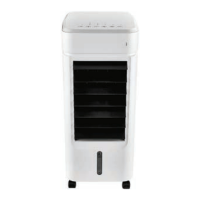
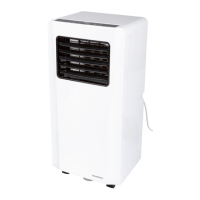
SilverCrest STLK 8 D2
English - 49
Submitting warranty claims
To ensure speedy handling of your complaint, please note the following:
- Before using your product for the first time, please read the enclosed documentation carefully.
Should any problems arise which cannot be solved in this way, please call our hotline.
- Always have your receipt, the product article number as well as the serial number (if
available) to hand as proof of purchase.
- If it is not possible to solve the problem on the phone, our hotline support staff will initiate
further servicing procedures depending on the fault.
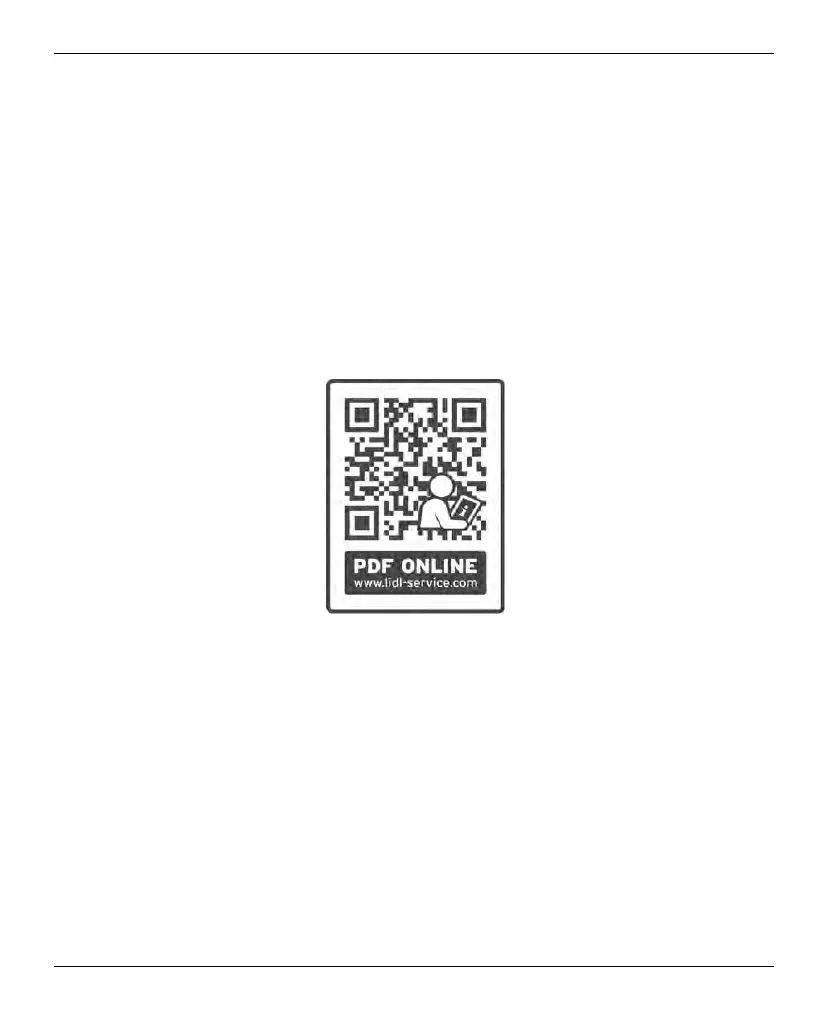
- You can find this and many more manuals, product videos and installation software available
for download at www.lidl-service.com. This QR code takes you directly to the LIDL service
page (www.lidl-service.com). There, you can enter the item number (IAN) to access your
operating manual.


 To Next Page
 Loading...