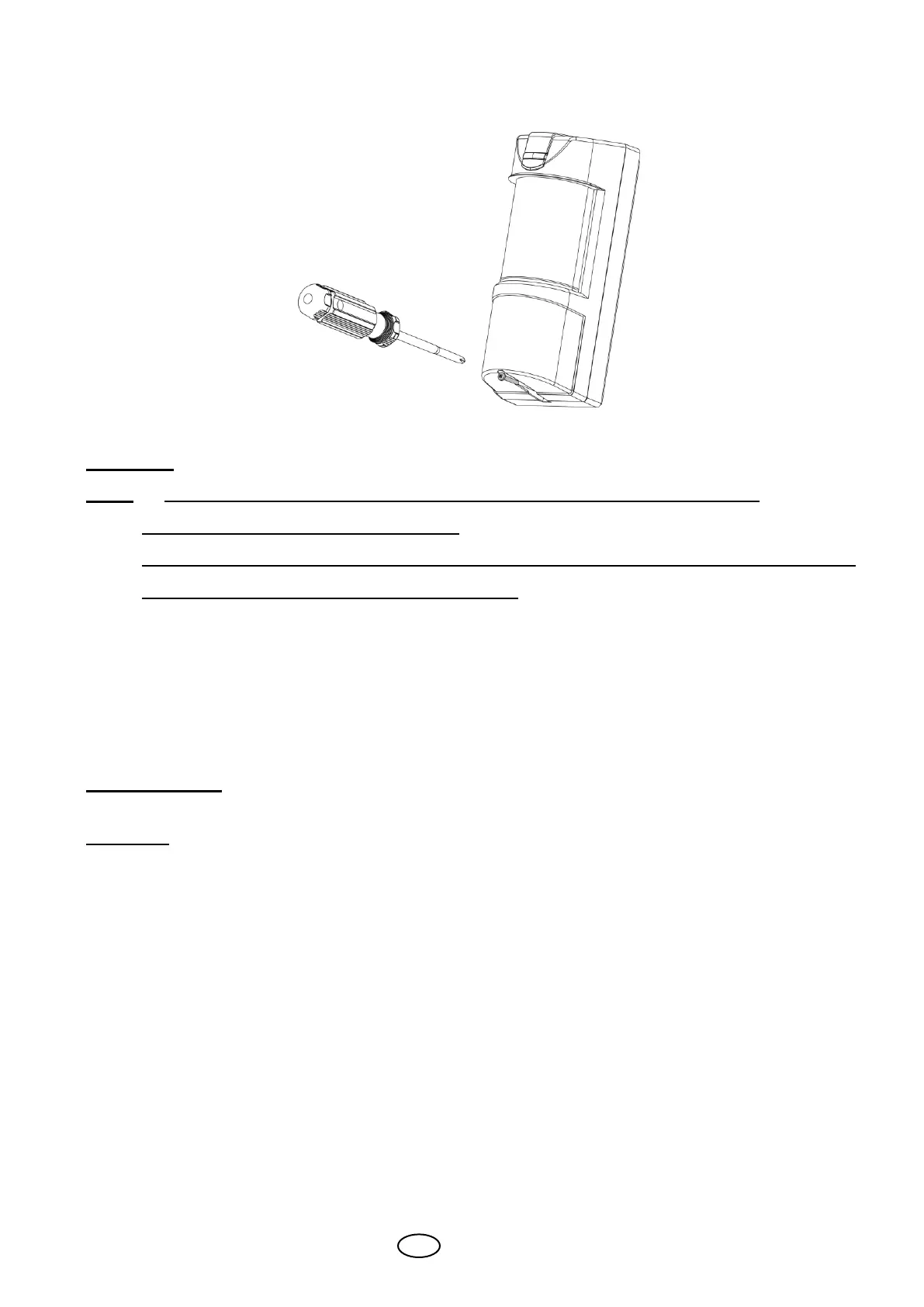
Place the top cover to the base and close it using the bottom screw.
9 Operation
Note! Connect the SIM-120 to a positive Voltage output of 9.6 -16VDC source.
Use only a listed power limited source.
The detector shall be provided with minimum of 4 hours of standby power from either a
listed compatible control unit or power supply.
The detector is automatically operated once connected to power.
The LED starts flashing for 30 seconds during the setup period and after that it will turn off.
At this time the detector is ready for operation.
10 Test Procedure
Walk Test
Allow 2 minutes of warm up time.
Make sure that the protected area is cleared of all people.
Start walking across the detection zone.
Listen to ALARM sound whenever motion is detected (the red LED also turns ON whenever
motion is detected).
Allow 5 sec. between each test for the detector to stabilize.
Upon installation, the unit should be thoroughly tested to verify proper operation.
Walk across the entire area where coverage is desired. Should the coverage be incomplete,
readjust coverage range or relocate the detector.
Once coverage is as desired, the alarm buzzer should be disabled and the LED may be disabled.



 To Next Page