8 Settings & Adjustments
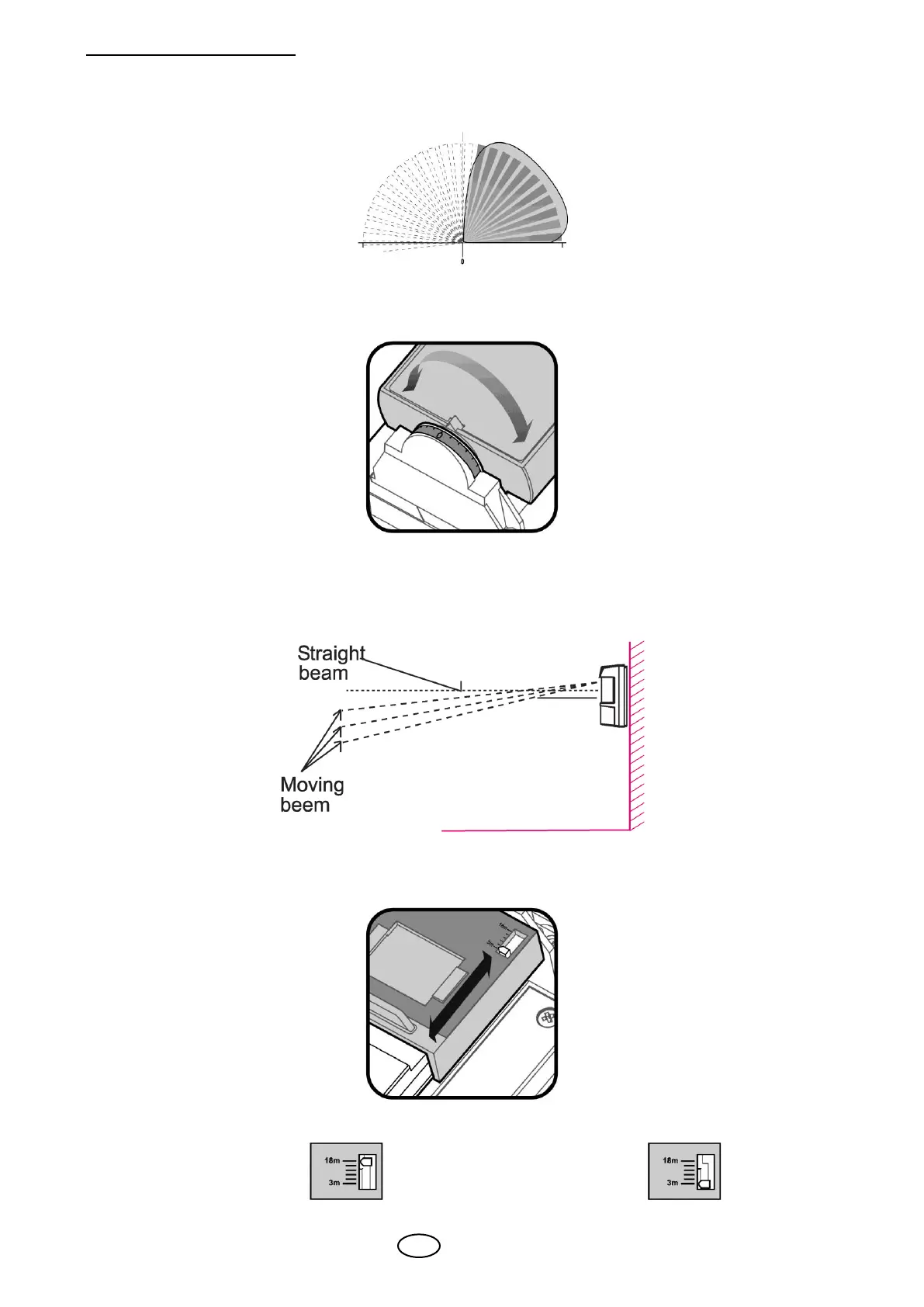
8.1 Detection beam direction
The SIM-120 detection beam direction may vary between 0º and 180º.
In order to change the detection beam direction rotate the internal detection element
housing to the desired direction.
8.2 Detection range setting
The SIM-120 detection range may vary between 10 ft (3m) and 49 ft (15m), while installed
on 4 ft (1.2m) height above the ground surface.
Changing the detection range is achieved by sliding the upper detection element up or
down.
Slide the detection element down for long range or up for short range detection.
Long Range Short Range



 To Next Page