12
Only horizontal scanning frequencies of 15 kHz (standard vi-
deo resolution) or 32 kHz (high definition video, with progressi-
ve scanning) can be applied to this input.
MOTORISED PROJECTION SCREEN OUTPUT
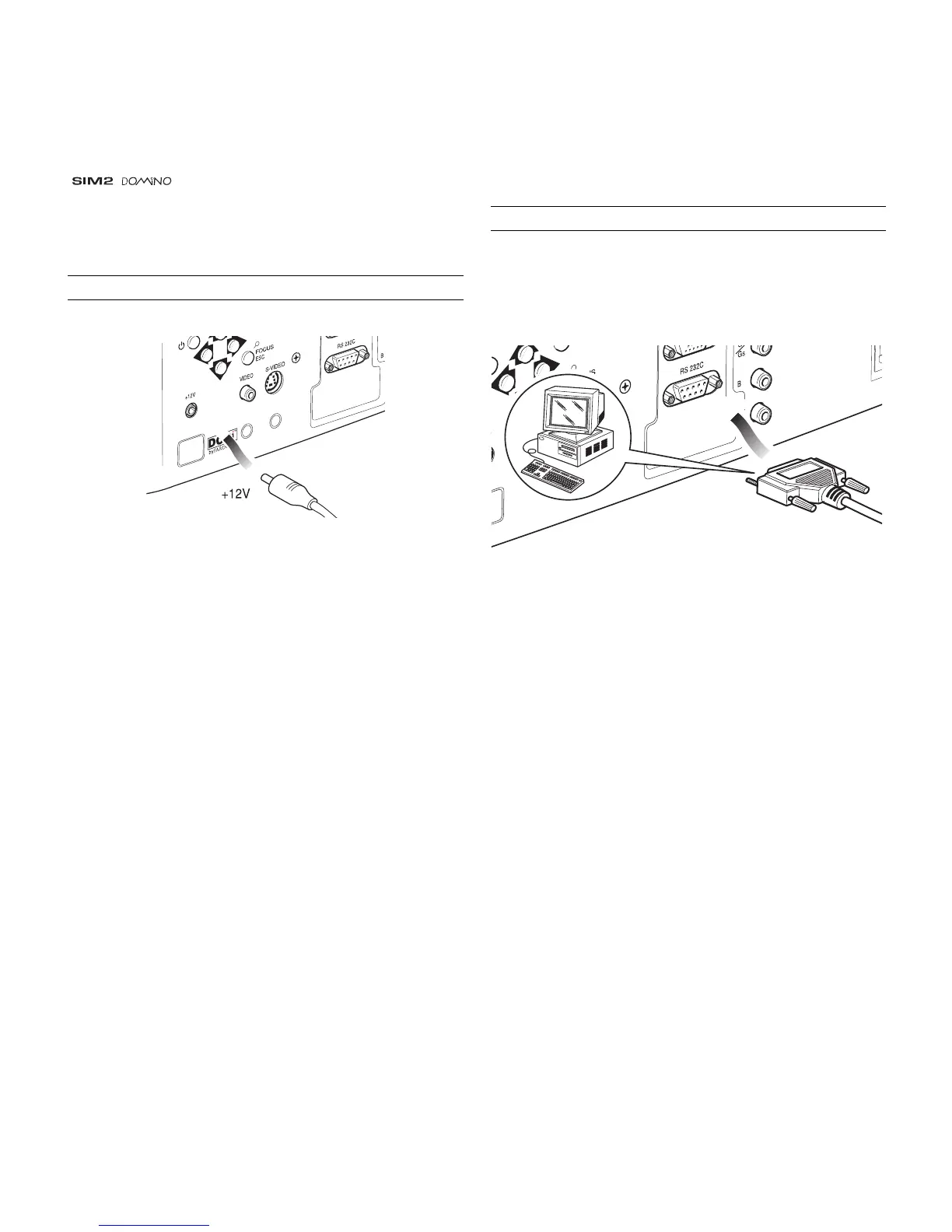
Fig. 20
The projector is equipped with one output (Voltage: 12 Vdc) for
motorised projection screen and screen. This 12V output should
be connected to the appropriate screen interface provided by
the screen manufacturer
(Fig. 20)
.
The +12V output is activated when the projector is switched on
(green LED on) and is de-activated when the projector is in
stand-by mode (red LED on).
RS232 INTERFACE CONNECTOR
It is possible to control the projector through a personal com-
puter. First, load the appropriate projector control software onto
your PC, then simply connect this input to a cable from your
PC’s RS232 serial port
(Fig. 21)
.
SYNC
RS 232
Fig. 21



 To Next Page