24
PC BOARD SET UP
The PC Board can be set up for:
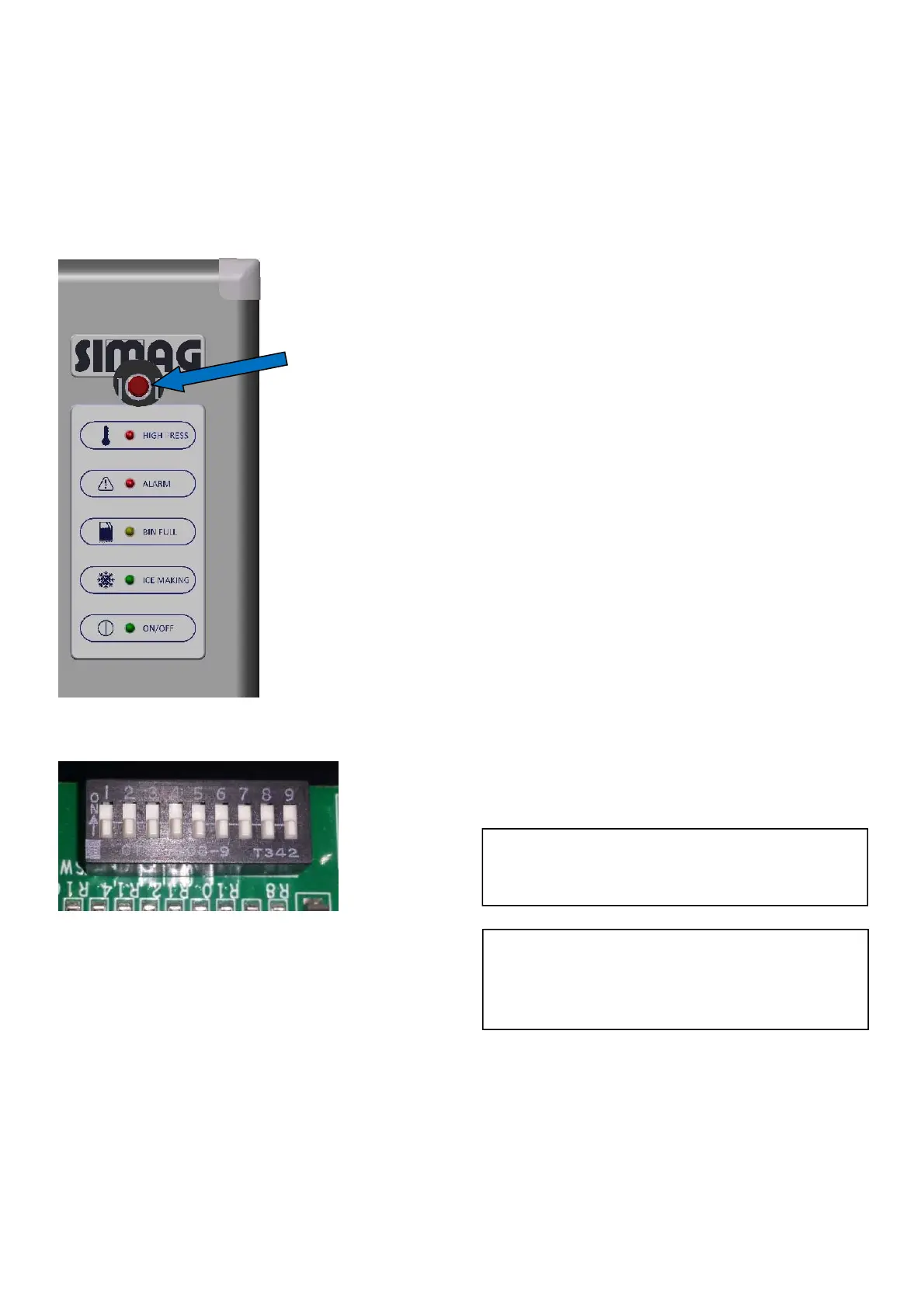
MANUAL RESET MODE
To Restart the machine It is necessary to
open the front panel and push the MODE
Button.
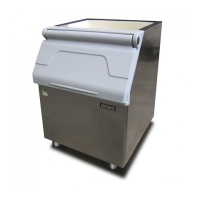
DIP SWITCH SETUP
#1 OFF For SVD series
ON Factory use only
#2 OFF No time delay
ON Have 90’delay
(For SVD503 only)
#3 OFF 3.5’ Harvest time
ON 6’ Harvest time
#4 OFF 3.5’ Water fill time
ON 6’ Water fill time
#5 OFF Fill water in first 4’ in freezing
cycle
ON Fill water in first 10’in freezing
cycle
#6 Water purge control
#6-OFF/#7-OFF Water pump work 30”
#6-ON/#7-OFF Water pump work 6” and
30” every sixth cycle.
#6-OFF/#7-ON Water pump work 30”
every three cycles.
#6-ON/#7-ON Water pump work 30”
every six cycles
#8 For factory use only
#9 OFF Machine will stop after clean
procedure, need to press clean
button to restart
ON Machine will restart after clean
procedure
Default Factory Setting - All Dip Switches OFF
MODE BUTTON FUNCTION
Press MODE button can restart machine when
machine in alarm.
When machine is working, press MODE button
will going to next process as follow:
Start -- Automatic clean -- Pressure balance --
Freezing – Harvest -- Bin full
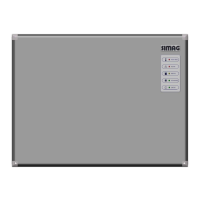
NOTE: There is same function MODE and
CLEAN button in PC board and indicate
board.
IMPORTANT: All PC board setup
should be operated by authorized
professional.
MODE BUTTON
(INVISIBLE)


 To Next Page