R
16 17
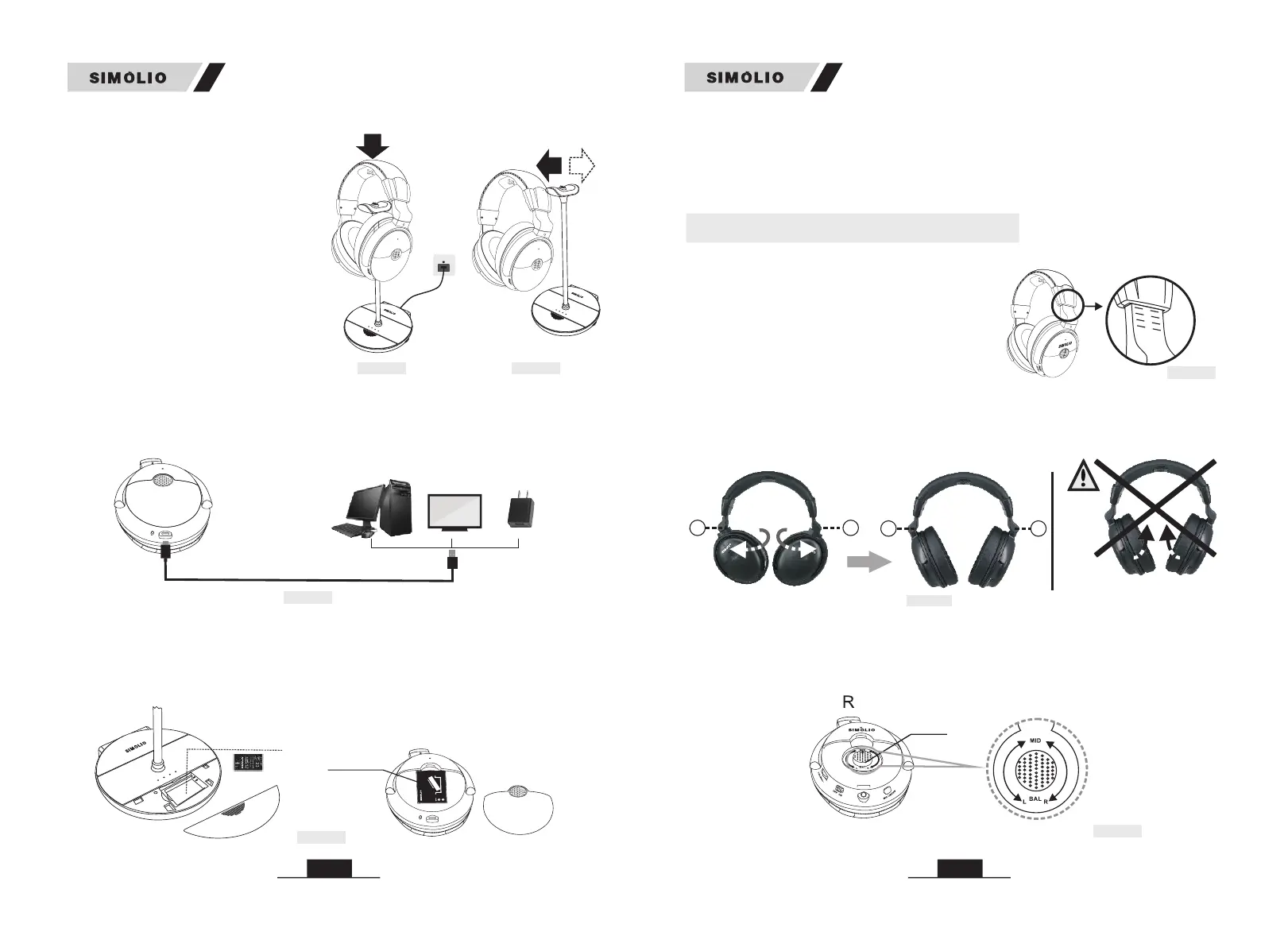
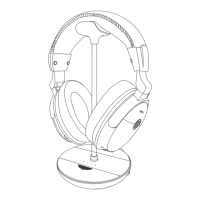
Method 3: Through the battery charging compartment in the base. A spare
battery in the battery charging compartment at the side of the transmitter is
always ready. When the headphone battery is low power, pull the spare battery
out of the battery charging compartment for replacement, and the discharged
battery can be put into the compartment for recharging (Ref. Fig 5-4).
Method 2 headphone
a USB wall charger (DC 5V/0.5-2A)
using the included USB cable. While charging, the headphone’s LED will turn red
and will turn off once charging is complete. Normally it will take about 3 hours to
fully charge (Ref. Fig 5-3).
: Plug the into
Fig 5-4
* Do not touch the contact pins of the
transmitter. If the contact pins become
dirty, charging may not be possible.
Notes:
* Be sure to use the original AC adapter
for the transmitter and insert the AC
adapter plug firmly. Slide the MONO/
STEREO/OFF switch to MONO or
STEREO to power on the transmitter.
USB Charging Cable
(phone charger / PC USB port/
TV USB port / any other USB outlet)
Fig 5-3
Spare Battery
( )included
Note:
The charging time is approx. 3 hours. The headphone will last approx 10 hours on
a full charge, but will last a lesser or greater amount of time depending on the
average volume level of the headphone.
6. Customizing your SM-829D1
(Receiver)
Li-battery
(Receiver)
P
U
S
H
M
A
D
E IN C
HINA
battery
cover
You can only rotate it 90 degrees
in a specific direction as above.
L
R
LR
2) Balance Control: If the hearing abilities of two ears are not the same, you can
open the decorative cover on the right side of the headphone and then rotate the
BAL dial for right/left volume adjustment so that you hear equally well with both
ears (Ref. Fig 6-3).
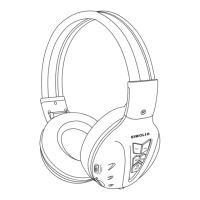
A. Each side of the headphone has a letter
to guide the wearer: "L" for left and "R"
for right. You can adjust the retractable
headband to fit you better (Ref. Fig 6-1).
1
2
11
1
0
9
Fig 6-1
Fig 6-3
BALANCE
(Left Right)
( )
1) Please make sure the headphone are being worn properly.
B. It's a 90-degree rotation design that can't be folded up.If you experience
resistance while rotating, please check and change to the correct rotation
direction (Ref. Fig 6-2).
Fig 6-2
Caution
R
Fig 5-1
R
SM-829D1 SM-829D1
* Please align the charging socket with
the charging pins to ensure successful
charging.
R
Fig 5-2


 To Next Page