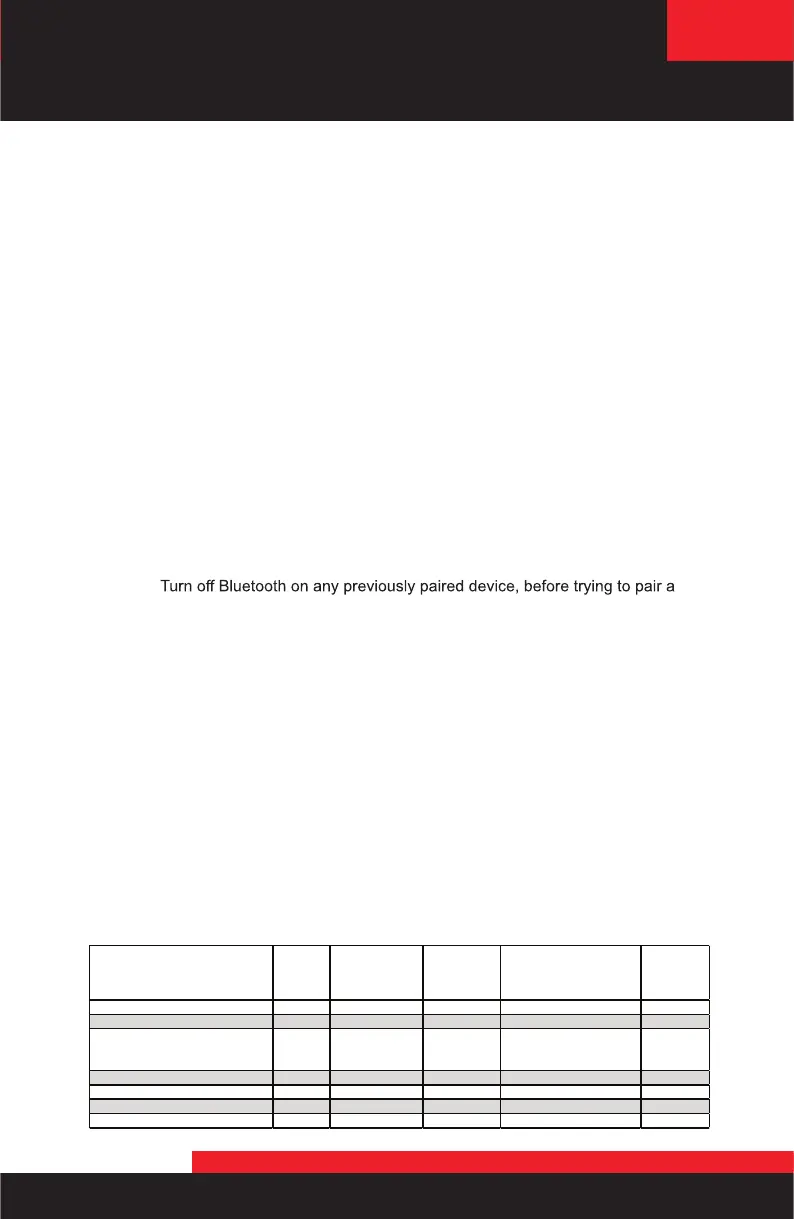
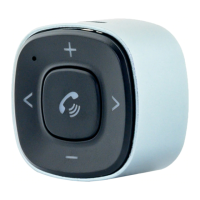
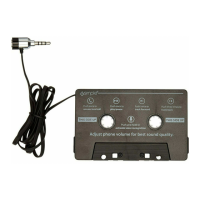
BlueConnect
MODE / LED STATUS LED OFF
LED SLOW
BLINK W/ 60
SEC TIMEOUT
BLINK W/ 60
SEC
LED 3x BLINK - PAUSE LED SOLID
IDLE X
PAIRING MODE X
TO PREVIOUSLY PAIRED
PHONE
X
INCOMING / OUTGOING CALL X
ACTIVE PHONE CALL X
STREAMING MUSIC X
6. Troubleshooting
Issue: No audio from the phone through the car.
Resolution:
Press and hold the Control button for more than 4 seconds to engage the
BlueConnect for music streaming.
Check that the radio is on the correct FM station. Default station 98.1MHz
Check that the phone is playing audio via the Bluetooth output.
Check the volume of the phone, and increase as necessary.
Issue: BlueConnect does not show in my available Bluetooth devices list
Resolution:
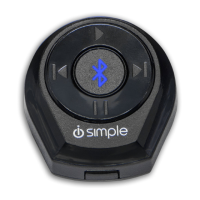
Check that the BlueConnect is in pairing mode. This can be verified by
looking at the LED built into the control button to ensure is it flashing fast.
.
Check that another paired phone is not already connected to the device.
Press and hold the control button for 2 to 4 seconds to enter pairing mode.
NOTE: If BlueConnect is not showing in available devices list but is showing in paired
devices simply select BlueConnect to reconnect.
Issue: I cannot pair my phone to the BlueConnect
Resolution:
Verify that no previously paired devices are within Bluetooth range.
new smartphone.
Issue: I cannot hear any actual FM stations
Resolution:
Press and hold the Control Button for more than 4 seconds to disengage
the BlueConnect
Issue: Audio playback from phone is distorted or low compared to other
sources
Resolution:
Adjust the volume on the smartphone while playing music.
Issue: Person on the other end cannot hear my voice during phone calls
Resolution:
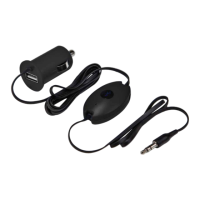
Verify the location of the microphone is unobstructed.
Verify that an HVAC vent is not aimed directly at the microphone.
LED Status / Mode
BlueConnect
Page 5



 To Next Page