Wireless Communication Locator Quick Start Guide
Focus on Precise Space-time, Assist in Smart Service Worldwide
S1 positioning can connect to the computer, modify the reporting interval of different modes through the way
of AT instruction, set the privacy time, and also directly modify the address reported to the server, connect to
the personal server.
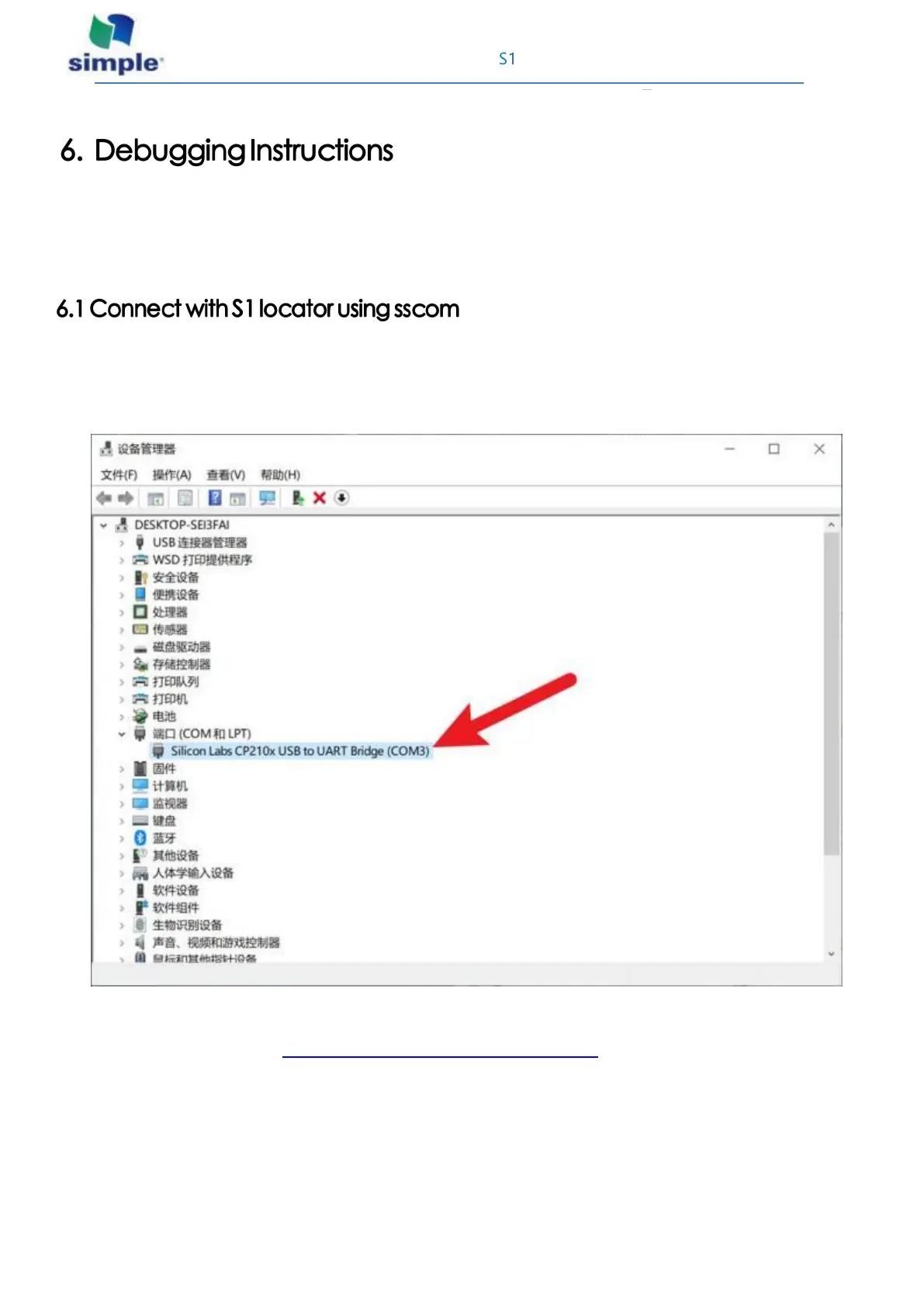
Use the micro USB data cable to connect the computer to the locator, right-click the WIN logo key in the
lower left corner, open the device manager and confirm that the device has been identified in < Port >, if not,
you need to install the CP210X USB-to-conversion serial chip driver.
Start the sscom serial port debugging assistant and perform the following configurations.
The official download address: http://www.daxia.com/download/sscom.rar



 To Next Page