Wireless Communication Locator Quick Start Guide
Focus on Precise Space-time, Assist in Smart Service Worldwide
This scheme is only used to experience the connection between S1 locator and the customer's own server at
zero cost, so as to facilitate the customer to evaluate the feasibility of connecting S1 locator and the
customer's own server. Due to the use of third-party software free service, the stability is not absolutely
guaranteed.
S1 locator adopts JT808 protocol for location reporting. The standard process is: registration - >
Authentication - > Upload positioning information. If the client server wants to connect, it can use the JT808
data format to reply, or after receiving the client registration information, it can use a simpler query way to
query the current location information. The following will demonstrate the use of the query method
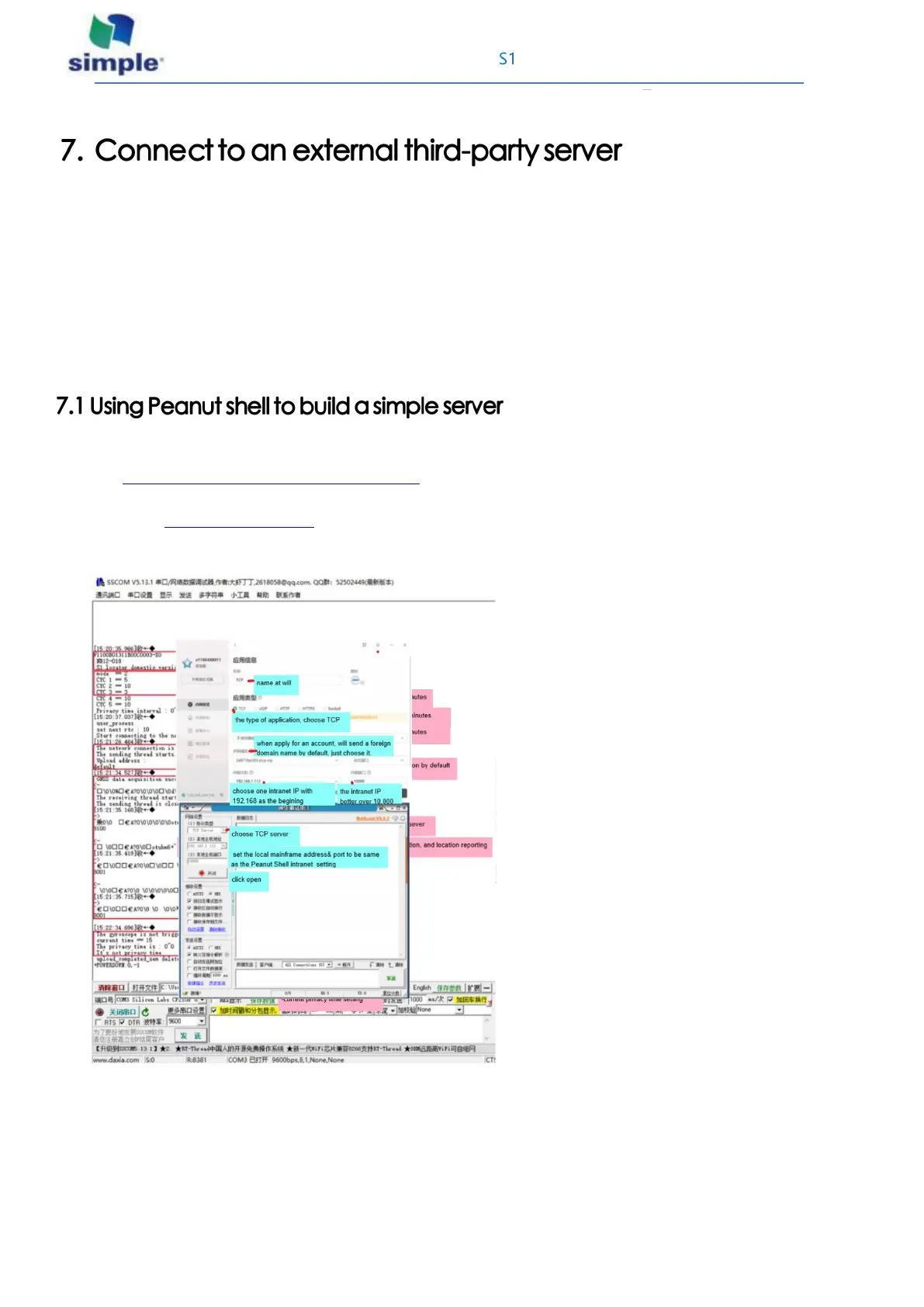
Download the Network Debugging Assistant and open it
Address: http://www.cmsoft.cn/resource/102.html
To download the Peanut Shell app and open it, at the same time need to create an account on the website.
The address is https://hsk.oray.com
Peanut Shell with Network Debugging Assistant do the following settings:



 To Next Page