Operating Guide
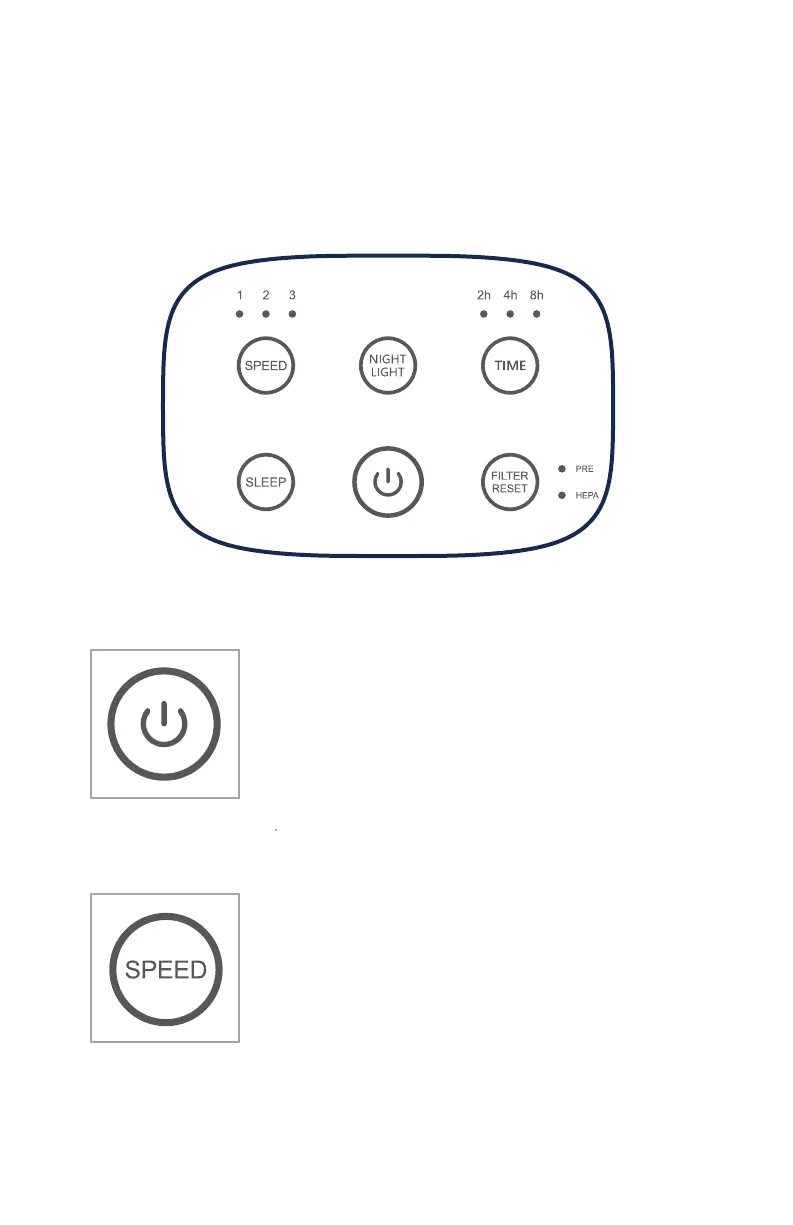
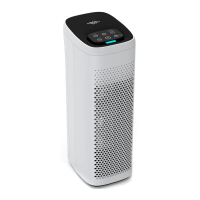
Control Panel
Power Button
Press the Power button to put air puri�ier
into operating mode.
Press the power button a second time to stop
the air puri�ier and place it into standby
mode.
Fan Speed
Press Fan button repeatedly to cycle through the
different speed settings.
1/Sleep – Low speed
2 – Medium speed
3 – High Speed
The corresponding fan speed indicator
light will display the current fan speed.
Sleep mode
Press the sleep button to put the unit into
Sleep Mode. In this mode the fan is at its
lowest/quietest setting. Also, only the Sleep
and Power buttons are illuminated to help keep
the room dark.
Timer
Press the timer button after power-on to set the
timed auto-off feature.Repeatedly press the
timer button to cycle through the preset
auto-off times of 2, 4 or 8 hours,the corresponding
indicator light will display the selected auto-off
time setting.
Filter Reset
When the total run hours of the air puri�ier reaches
1000hours, the indicator will light up to replace
the �ilter. After the replacement is completed (see
page 9), press and hold the �ilter reset button for
3 seconds until the indicator light is off, the �ilter
timer function is now reset.
7
8
Night light
Press the night light button to turn on the night
light.
Press the night light button a second time to
turn off the night light.
Actual lifespan of the �ilter may vary depending on the amount of dust,
smoke, humidity, and the concentration of other airborne particles and
vapors in the air.


 To Next Page