10
3.6 Swing Setting
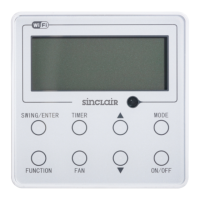
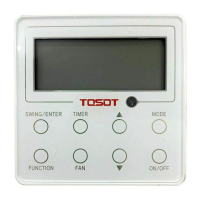
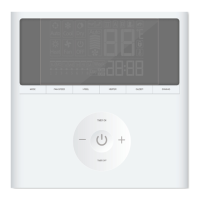
In unit on status, press SWING button for swing setting. Two swing
modes are available: fixed-angle swing and simple swing.
When fixed-angle swing mode is set, swing operation is as follows:
In unit on status, press SWING button to select up&down swing .
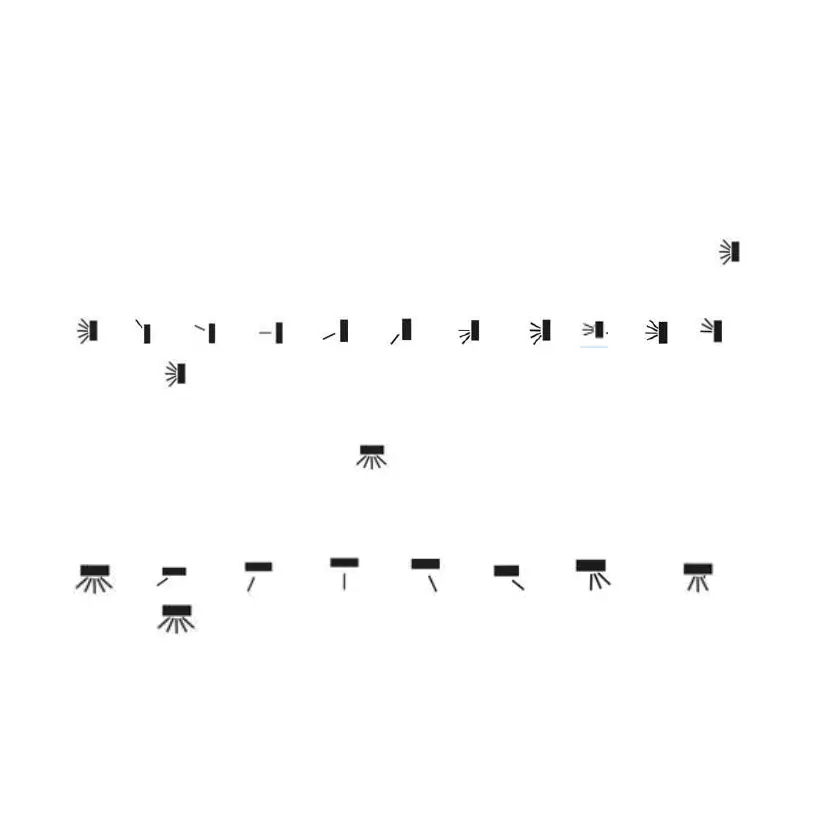
Up&down swing angle will be adjusted circularly as below:
→ → → → → → → → → → →
closed →
Select up&down swing and left&right swing through “
<
” or “
>
”
button. When left&right swing is selected. Left&right swing angle will
be adjusted circularly as below:
→ → → → → → → →
closed→
Note:
① Turn on fixed-angle swing mode in function setting page;
① If fixed-angle swing is not available for the model, fixed-angle swing will be
invalid when the wired controller turns on fixed-angle swing mode.


 To Next Page