13
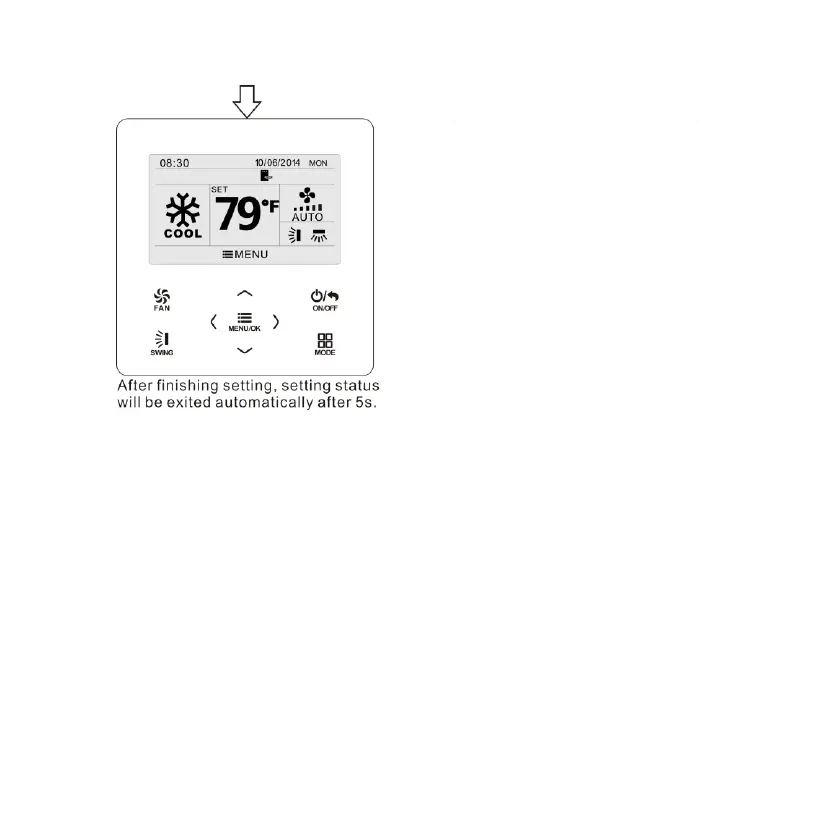
Fig. 7 Swing setting
3.7 Functions Setting
Press MENU/OK button on main page to enter main menu page.
Press “
∧
” or “
∨
” or “
<
” or “
>
” button to select the function setting
symbol. Then press MENU/OK button to enter user function setting page.
Press “
∧
” or “
∨
” button to select specific function item. Press “
<
” or “
>
”
button to turn on or turn off this function. If the function item cann’t be set,
it will displays with gray color.Please refer to Fig. 8.



 To Next Page