25
3.9 Current Error View
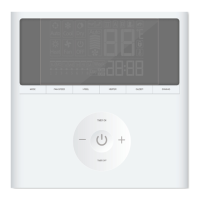
When error occurs in the unit, error symbol will be displayed on the
main page of wired controller to indicate that the unit is with error. In this
case, you can enter error view page to view the current error.
Press MENU button to enter the menu and select the function symbol
to be viewed. Then press MENU button to enter view function page. Press
“
∧
” or “
∨
” button to select error information. Press MENU button to
enter error view page. If there are too many errors, press “
∧
” or “
∨
” to
turn pages. Press BACK button to return to the last page. Please refer to
Fig. 10.


 To Next Page